The 12 Best PDF Translator Online Tools for 2026 (Ranked & Reviewed)
In today's interconnected world, translating a PDF is no longer just about swapping words; it's about preserving critical formatting, ensuring accuracy, and protecting sensitive data. The difference between a clear, professional translation and a broken, unreadable document often comes down to the tool you use. Whether you're a business expanding into new markets, a researcher sharing findings, or a student accessing international resources, finding the best pdf translator online is crucial for effective communication.
This guide cuts through the noise, ranking the top 12 platforms based on real-world performance. We move beyond simple feature lists to provide a comprehensive analysis of what truly matters: format preservation, language support, security protocols, and pricing. Each review includes screenshots and direct links, helping you identify the perfect solution for your specific needs, from quick personal translations to enterprise-level localization projects.
Many of these advanced tools leverage powerful artificial intelligence. Understanding the foundational technology of Large Language Models (LLMs) can help clarify how they achieve such sophisticated results in maintaining context and structure. Our goal is to equip you with the insights needed to make an informed decision, ensuring your translated documents are as professional and readable as the originals. We'll examine everything from handling complex layouts in legal contracts to translating academic papers while keeping citations intact.
1. DocuGlot
DocuGlot establishes itself as a premier online document translator by focusing on a critical, often overlooked element: end-to-end format preservation. This AI-powered service is engineered to deliver not just accurate text translation but a final document that mirrors the original's layout precisely. For businesses and professionals, this means no more time wasted reformatting translated files; headers, tables, fonts, and even images remain intact, making it an incredibly efficient tool for creating ready-to-use multilingual documents.
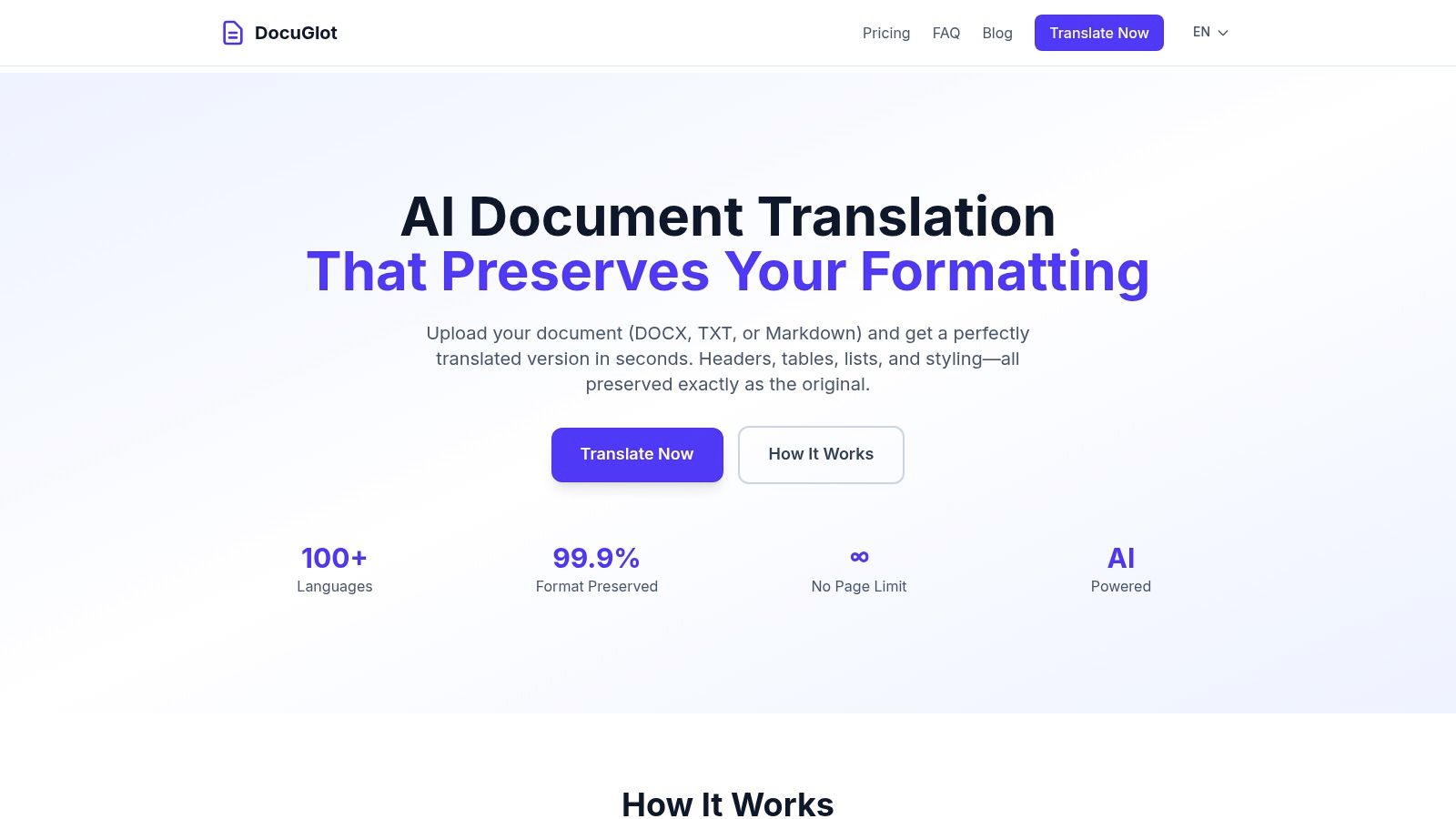
The platform’s architecture is built for scalability and flexibility, setting it apart from more basic tools. Its intelligent chunking technology removes file size and page limits, capably handling everything from a single-page memo to a book-length manuscript in one go. This makes it a standout choice for users dealing with large-scale projects like enterprise reports, academic theses, or extensive legal contracts. For those wondering how to translate a PDF while keeping its layout, DocuGlot provides a robust solution, although users should check the site for the latest on direct PDF support as it primarily emphasizes DOCX workflows. Learn more about the technical process of translating PDFs on the DocuGlot blog.
Core Features & User Experience
DocuGlot offers a streamlined, user-centric experience. After a simple file upload, the platform provides an upfront cost and allows users to select from over 100 languages. A key differentiator is the choice between two AI models:
- Basic Mode: Ideal for speed and cost-effectiveness on standard documents.
- Premium Mode: Utilizes more advanced context handling, making it suitable for technical, legal, or nuanced content that requires higher precision.
The pay-as-you-go pricing is transparent and accessible, starting at just $5.99 for the Basic tier. This model is particularly beneficial for SMBs, startups, and freelancers who need enterprise-grade power without a costly subscription. Security is also a top priority; files are encrypted and automatically deleted after 24 hours, ensuring confidentiality.
Website: https://docuglot.com
2. Adobe Acrobat (with Adobe Express / Acrobat AI Assistant)
For professionals already embedded in the Adobe ecosystem, Acrobat's built-in translation feature is a powerful and convenient option. Instead of exporting a PDF and uploading it to a third-party site, users can initiate translation directly within the familiar Acrobat interface. This workflow, powered by the Acrobat AI Assistant or Adobe Express, is designed to preserve the original document's layout and formatting, making it one of the best PDF translator online choices for polished, professional results.
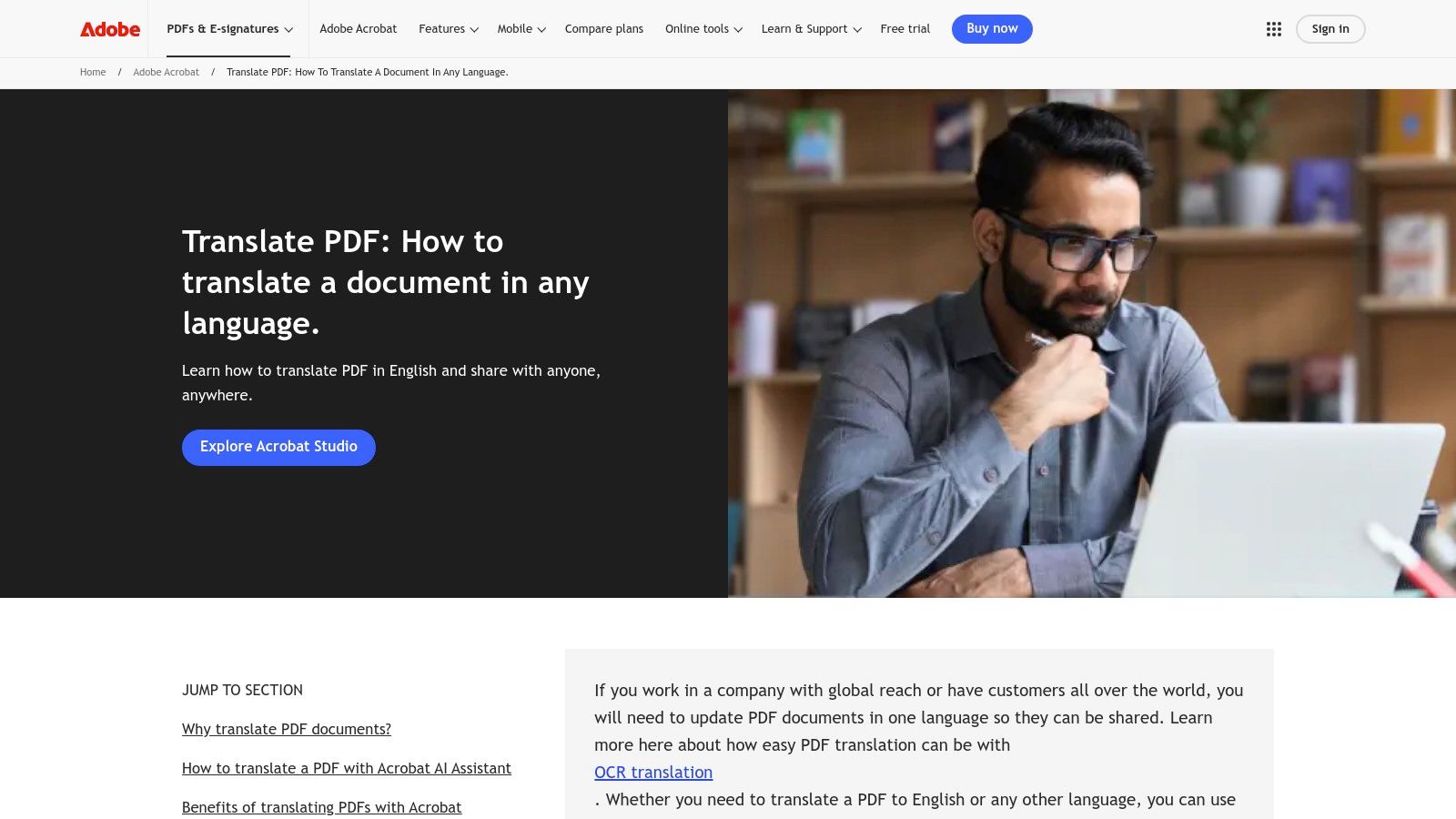
This integration is a significant advantage for business and enterprise users who need to maintain brand consistency across multilingual documents. The ability to translate an entire file, a specific page range, or even a single text selection provides granular control. Once translated, the document can be easily exported and shared as a new, high-fidelity PDF.
Key Features & Use Case
Adobe’s strength lies in its seamless, in-app experience and focus on visual integrity.
| Feature | Description | Best For |
|---|---|---|
| In-Acrobat Workflow | Translate PDFs without leaving the application. | Users seeking convenience and efficiency. |
| Formatting Preservation | Retains original layout, fonts, and images. | Translating marketing materials, reports, and branded documents. |
| Flexible Export | Save the translated version directly as a new PDF. | Teams needing to share professional-looking multilingual files. |
| AI Assistant Integration | Leverage AI for translation and content summaries. | Getting quick translations and insights from PDF content. |
Limitations & Access
While powerful, access requires an Adobe account, and full functionality is often tied to a paid Acrobat Pro subscription or a trial period. The tool may also struggle with scanned documents, password-protected files, or PDFs with complex, non-standard fonts, sometimes skipping these sections entirely. For a deeper dive into how Adobe stacks up against other tools, you can explore this overview of document translation software.
Website: https://www.adobe.com/acrobat/resources/translate-pdf.html
3. Google Translate (Documents)
As one of the most accessible and widely known translation tools, Google Translate's document feature provides a straightforward, no-cost solution for basic PDF conversions. It's a go-to choice for users needing a quick, "good enough" translation without any software installation or account creation. This simplicity makes it a baseline contender for the best PDF translator online, especially for personal or non-critical business use where speed and cost are the main priorities.
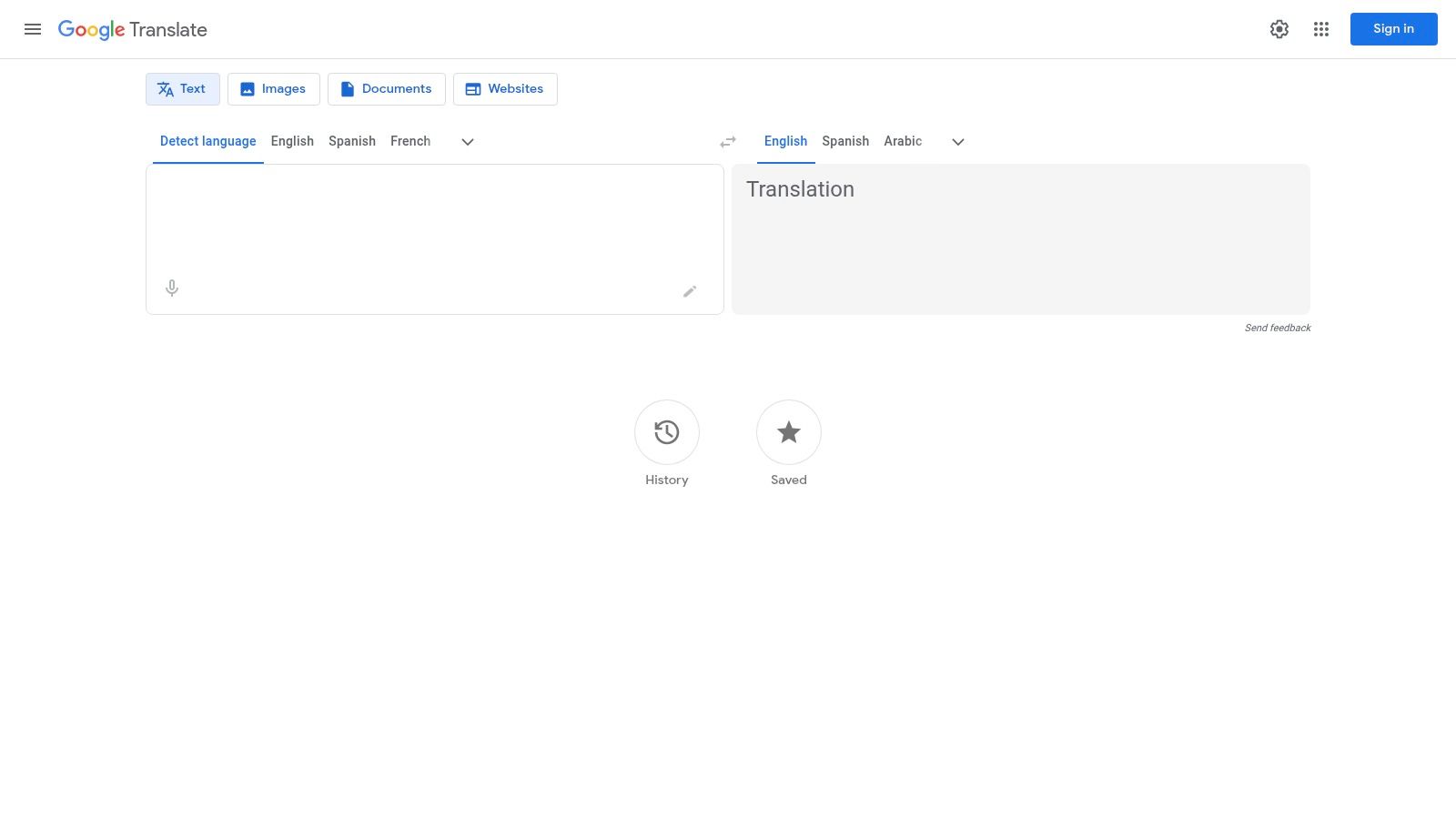
The platform supports a massive range of languages and handles multiple file types beyond PDF, including DOCX, PPTX, and XLSX. The user experience is as simple as it gets: upload your document, select the target language, and download the translated version. While the convenience is unmatched, the trade-off often comes in the form of inconsistent formatting preservation, especially with complex layouts or large files.
Key Features & Use Case
Google's primary advantage is its universal accessibility and ease of use for quick-turnaround tasks.
| Feature | Description | Best For |
|---|---|---|
| No-Cost Translation | Completely free to use directly in your browser. | Students, casual users, and anyone needing a quick translation. |
| Broad Language Support | Access to one of the most extensive language libraries available. | Translating documents into or from less common languages. |
| Multi-Format Support | Translates PDF, DOCX, PPTX, and XLSX files. | Users working with various standard office document types. |
| Simple Upload Workflow | A clear, drag-and-drop or upload-and-go interface. | Getting fast results without a learning curve or sign-up process. |
Limitations & Access
Google Translate is entirely free and browser-based, but its capabilities are limited. It does not perform OCR, meaning text within images or in scanned PDFs will not be translated. Users frequently report that complex formatting, tables, and layouts are lost or distorted during the process. There is a file size limit of 10 MB and a 300-page cap, and larger, more intricate documents may sometimes result in incomplete or partial translations.
Website: https://translate.google.com/?sl=auto&tl=en&op=docs
4. DeepL
Widely recognized for its nuanced and natural-sounding translations, DeepL has established itself as a top-tier machine translation engine. Its PDF translation capabilities, available through its web interface, desktop apps, and API, make it an excellent choice for users who prioritize linguistic quality above all else. The platform is designed to handle document uploads seamlessly, making it a strong contender for the best PDF translator online when accuracy is paramount.
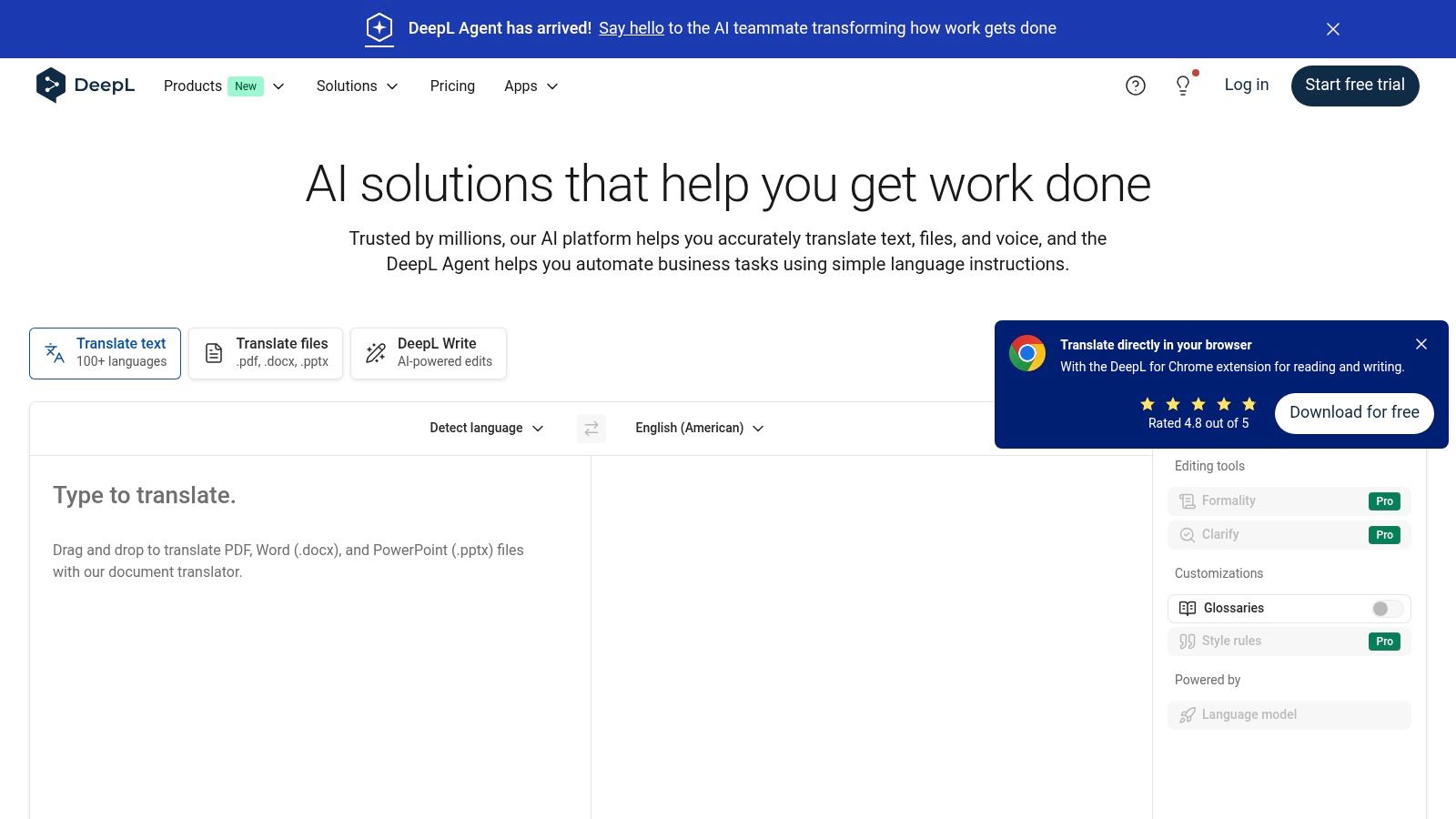
DeepL’s strength comes from its powerful neural networks, which often capture context and idiomatic expressions better than many competitors. For professionals, features like custom glossaries and formality controls are invaluable, allowing users to enforce brand-specific terminology and set the appropriate tone (formal or informal) for the target audience. This level of control ensures consistency across multiple translated documents.
Key Features & Use Case
DeepL excels in delivering high-fidelity translations with professional-grade controls for consistency.
| Feature | Description | Best For |
|---|---|---|
| High-Quality Translation | Leverages advanced neural networks for nuanced and accurate text. | Users prioritizing linguistic quality in business, academic, and technical texts. |
| Glossary & Formality | Define specific terms and set the desired tone for translations. | Maintaining brand voice and technical accuracy across documents. |
| Cross-Platform Access | Translate PDFs via web, dedicated desktop apps (Mac/Windows), or API. | Teams needing a flexible translation solution that fits multiple workflows. |
| DOCX Export Option | Pro users can download the translated PDF as an editable DOCX file. | Scenarios requiring post-translation editing and formatting adjustments. |
Limitations & Access
While the free version offers basic document translation, file size and the number of translations are limited. Full access to features like glossaries, unlimited file translations, and maximum security requires a paid DeepL Pro subscription. The platform may also reject very complex PDFs, such as those generated from CAD software or low-quality scans. For an in-depth look at professional translation options, you can explore various document translation services.
Website: https://www.deepl.com
5. Microsoft Azure Translator – Language Studio
For organizations operating within the Microsoft ecosystem, Azure’s Language Studio offers an enterprise-grade solution for secure and scalable PDF translation. It provides a user-friendly, no-code interface to the powerful Azure Document Translation API, designed for batch processing, robust governance, and seamless integration with Azure services. This makes it an excellent choice for businesses that prioritize security, auditability, and control over their translation workflows.
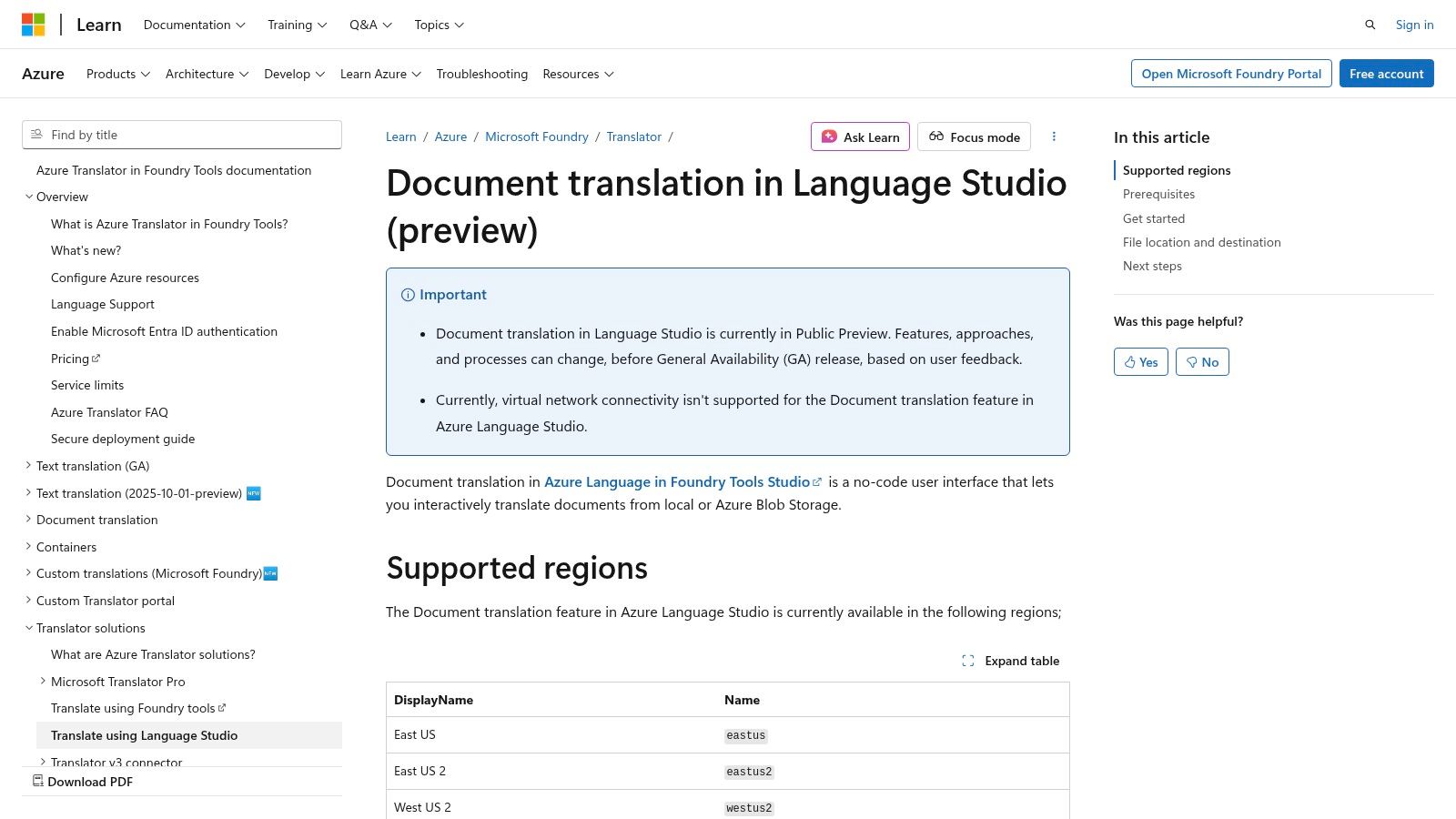
Unlike simple web-based tools, Language Studio is built for integration and scale. Users can translate documents stored locally or directly from Azure Blob Storage, leveraging Azure Active Directory for access control. This platform stands out as one of the best PDF translator online options for enterprises that need to process large volumes of documents while maintaining a high security posture and preserving the original document structure and layout.
Key Features & Use Case
Azure’s strength is its integration into a secure, scalable cloud environment, offering powerful controls for business operations.
| Feature | Description | Best For |
|---|---|---|
| Enterprise Security | Leverages Azure AD for access control and robust security protocols. | Organizations handling sensitive or confidential data. |
| Batch Processing | Translate multiple documents at once from local files or Azure Blob Storage. | Businesses with large-scale, repetitive translation needs. |
| Layout Preservation | Aims to maintain the original document structure, formatting, and layout. | Translating technical manuals, financial reports, and official documents. |
| No-Code Interface | Provides a graphical UI for the powerful Document Translation API. | Teams needing enterprise features without deep coding expertise. |
Limitations & Access
Accessing this tool requires an active Azure subscription and initial setup of resources, so it is not a free, out-of-the-box solution for casual users. The pricing is consumption-based, tied to the number of characters translated. Some features or regional availability may be in preview, and the setup process, while straightforward for those familiar with Azure, presents a learning curve for newcomers.
Website: https://learn.microsoft.com/en-us/azure/ai-services/translator/document-translation/language-studio
6. Smallpdf – Translate PDF
Smallpdf is a well-known suite of online PDF tools, and its AI-powered translator extends its reputation for speed and simplicity. The platform offers a clean, user-friendly interface that allows users to quickly upload a document and receive a translation. Its approachability makes it an excellent choice for individuals, students, or small teams who need a fast, no-fuss solution for translating standard text-based documents without a steep learning curve or complex setup.

The service stands out by integrating Optical Character Recognition (OCR) automatically, allowing it to process scanned PDFs. It also includes an interactive AI chat feature, enabling users to ask questions and get summaries from their PDF content post-upload. This combination of translation and content interaction makes Smallpdf a versatile tool for more than just language conversion; it serves as a quick document analysis assistant.
Key Features & Use Case
Smallpdf excels in providing a fast, multi-functional, and accessible translation experience.
| Feature | Description | Best For |
|---|---|---|
| Simple Web UI | An intuitive drag-and-drop interface that is easy to navigate. | First-time users or those needing a quick one-off translation. |
| Automatic OCR | Automatically detects and converts text from scanned documents. | Translating non-editable PDFs, images, and scanned papers. |
| Built-in AI Chat | Ask questions about the document and get instant answers. | Students and researchers needing to quickly understand key points. |
| Full or Summary Translation | Choose between translating the entire document or getting a summary. | Users who need a quick gist of a document versus a full translation. |
Limitations & Access
While easy to use, Smallpdf’s strength in simplicity comes with trade-offs. The preservation of complex layouts, images, and special formatting can be inconsistent, making it less suitable for visually rich materials like brochures or designed reports. Its language support is also more limited compared to services built on larger translation engines like Google Translate or DeepL. Access is available via a free trial with limits, while full functionality requires a Pro subscription.
Website: https://smallpdf.com/translate-pdf
7. Canva – PDF Translator (Translate app)
For design-centric users, Canva’s integrated Translate app offers a unique approach to PDF translation. Instead of simply converting text, it brings your PDF directly into the Canva editor, allowing you to translate content while retaining full control over the visual layout. This makes it an excellent online PDF translator for marketing materials, brochures, and presentations where post-translation design adjustments are essential.
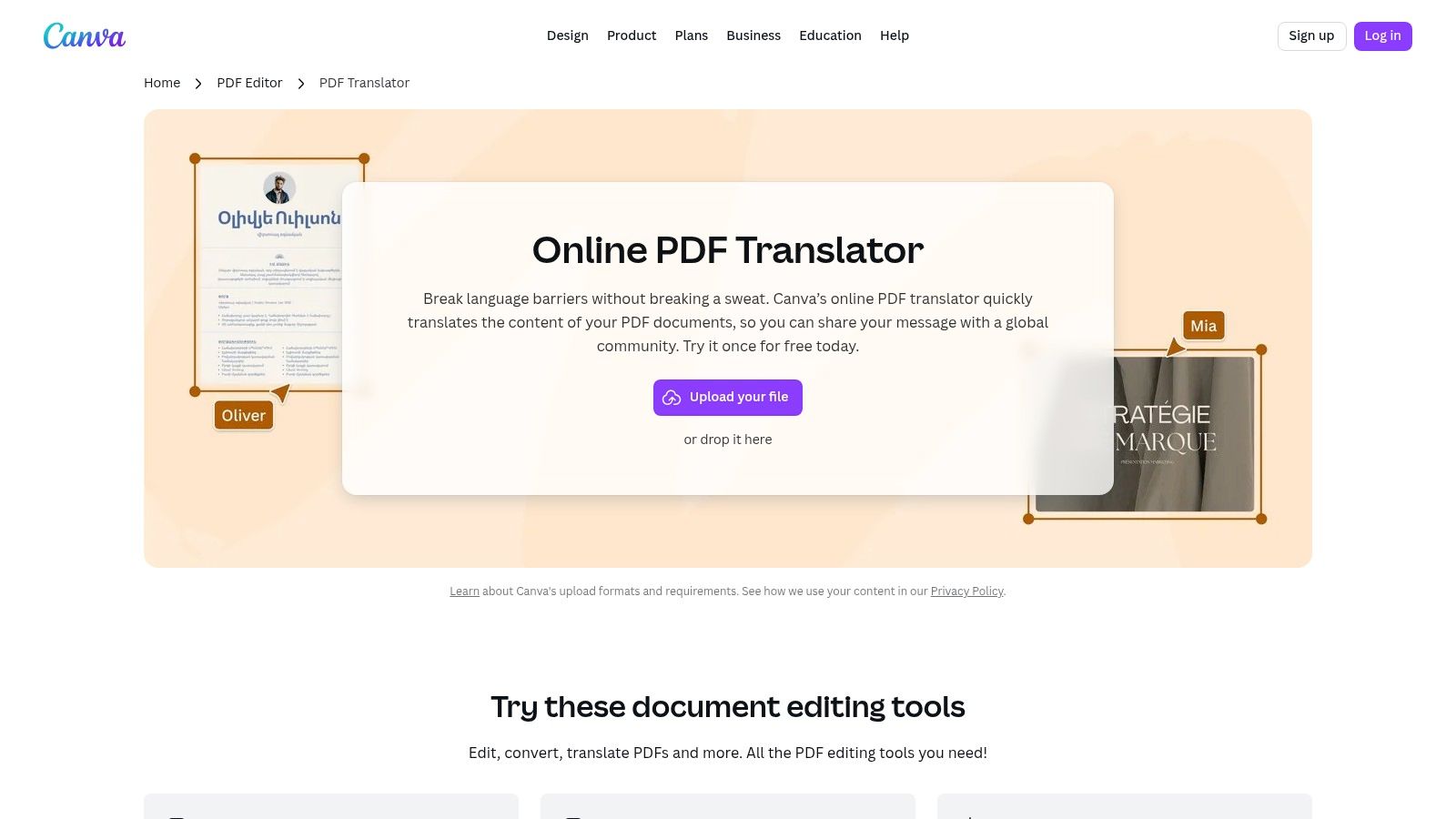
This workflow is optimized for users who need to not only translate but also re-brand or tweak documents for different markets. The ability to manage the entire process within one creative platform streamlines the creation of multilingual visual assets. With support for over 100 languages and collaborative features, it’s a powerful tool for marketing and design teams.
Key Features & Use Case
Canva’s main advantage is its fusion of translation with a powerful design editor, giving users unparalleled control over the final visual output.
| Feature | Description | Best For |
|---|---|---|
| In-Editor Translation | Translate PDFs directly within the Canva design interface. | Marketing teams needing to create localized visual assets. |
| Full Design Control | Edit text, images, and layout after translation. | Translating brochures, social media graphics, and presentations. |
| Team Collaboration | Share and comment on translated designs with team members. | Collaborative projects requiring design and language review. |
| Duplicate Page Mode | Create a side-by-side view of original and translated pages. | Ensuring visual and contextual accuracy during review. |
Limitations & Access
While the integration is seamless, the free version of the Translate app is very limited, often allowing only a single use. Continuous access requires a Canva Pro or Canva for Teams subscription. The translation tool is best suited for design-heavy documents; it may struggle to perfectly replicate the layout of text-dense or highly complex files, potentially requiring significant manual adjustments.
Website: https://www.canva.com/features/pdf-translator/
8. PDF Candy – Translate PDF
PDF Candy stands out as a versatile, all-in-one web platform that bundles AI-powered PDF translation with a comprehensive suite of over 40 other PDF tools. Its primary appeal is its straightforward approach and value-focused pricing, including a lifetime license option. This makes it an excellent choice for users who need more than just translation, such as merging, splitting, or converting files, all within a single, user-friendly interface.
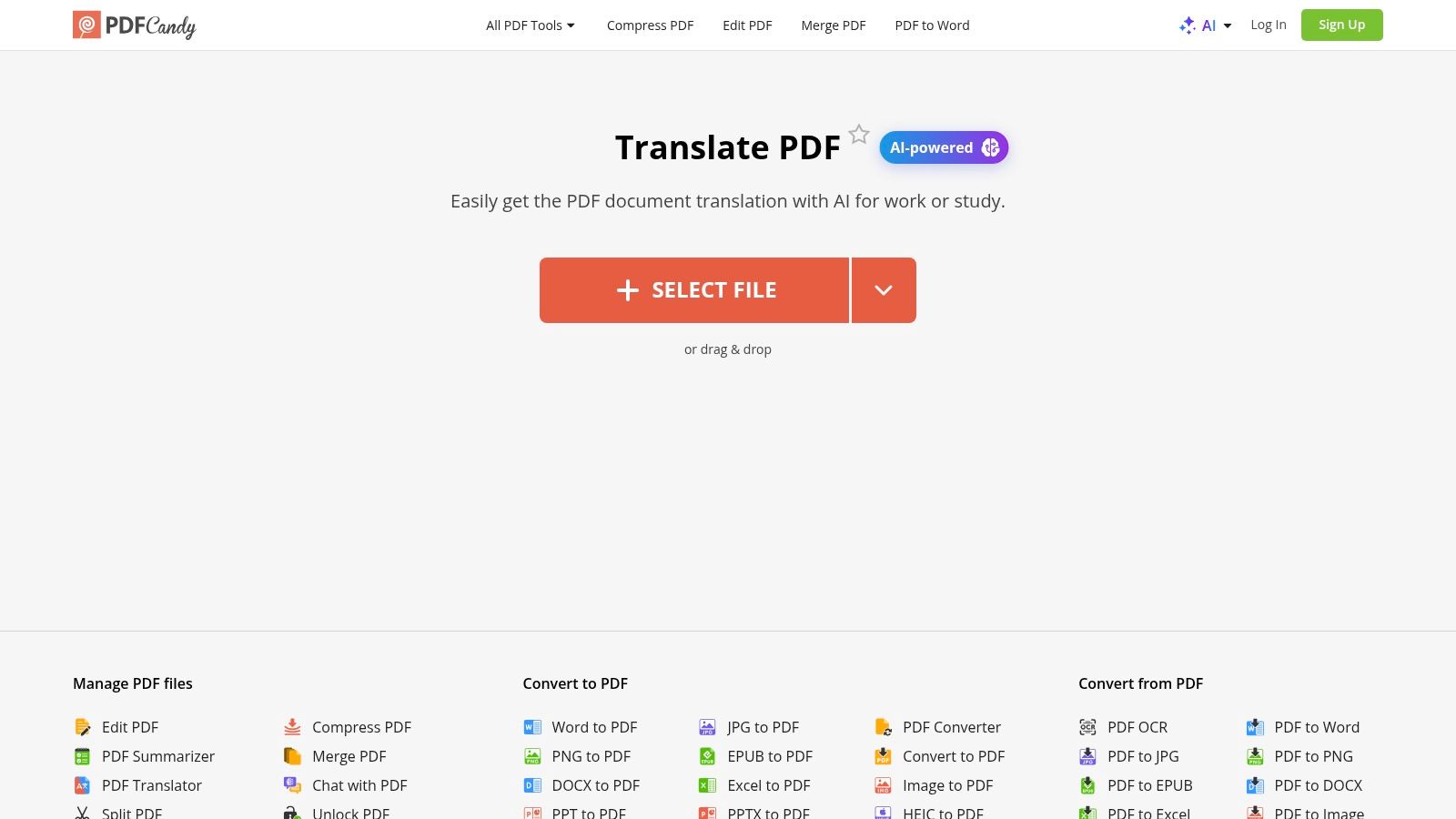
The platform is a strong contender for the best pdf translator online for small businesses and individuals who value flexibility. With paid plans offering generous file size allowances up to 500 MB and priority processing, PDF Candy can handle substantial documents without issue. The availability of both web and desktop applications provides a flexible workflow, allowing users to work online or offline as needed.
Key Features & Use Case
PDF Candy's strength is its combination of a capable translator with a full suite of PDF utilities at a competitive price.
| Feature | Description | Best For |
|---|---|---|
| All-in-One Toolset | Access translation alongside 47 other PDF editing and conversion tools. | Users needing a comprehensive PDF solution, not just translation. |
| Large File Allowances | Paid plans support files up to 500 MB for translation. | Translating large reports, ebooks, or extensive manuals. |
| Desktop + Web Access | Use the tools online or via a downloadable desktop application. | Individuals and teams wanting both online and offline flexibility. |
| Value-Based Pricing | Offers monthly, yearly, and lifetime license options. | Freelancers and SMBs seeking a cost-effective, long-term solution. |
Limitations & Access
While the free version is useful for small, one-off tasks, its limitations on file size and processing speed make a paid plan necessary for serious work. The platform is designed more for individual professionals and small teams, lacking the advanced enterprise-level features like granular user permissions, audit trails, and dedicated compliance certifications found in more specialized, corporate-focused solutions.
Website: https://pdfcandy.com/pdf-translator.html
9. DocTranslator
DocTranslator is a dedicated online platform designed to handle the heavy lifting of document translation, especially for very large files. It moves beyond simple text-box translations by supporting a wide array of formats, including PDF, DOCX, and even IDML for design professionals. Its standout feature is its capacity to process documents up to 1 GB or 5,000 pages, making it a powerful contender for enterprise-level projects or extensive academic papers where other tools might fail.
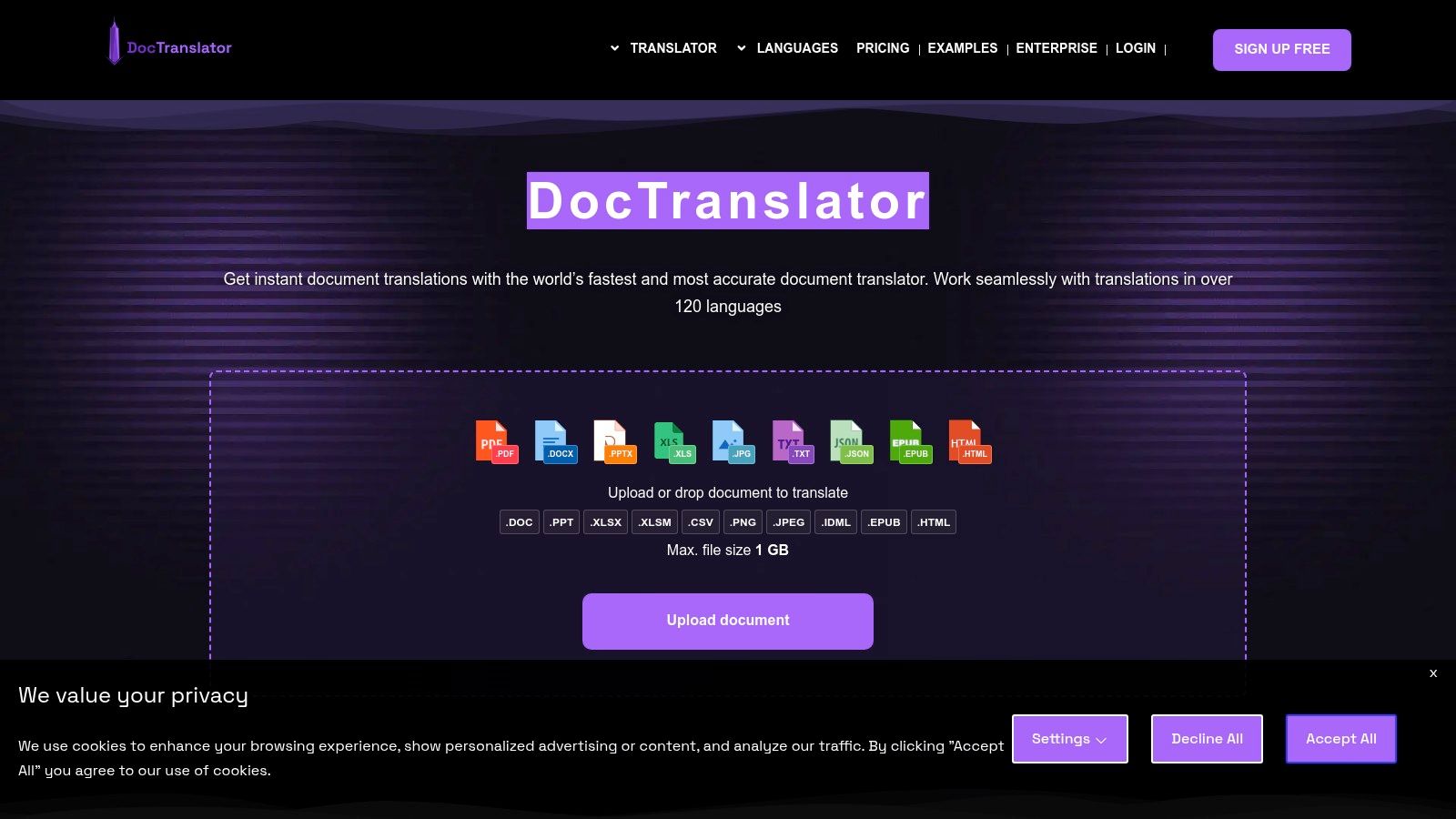
This tool is one of the best PDF translator online options for users who need to verify output quality before committing to a purchase. DocTranslator offers a free one-page preview of the translated PDF, allowing you to assess formatting preservation and translation accuracy firsthand. This "try-before-you-buy" model, combined with its transparent per-word pricing for AI translation, gives users significant control over both cost and quality.
Key Features & Use Case
DocTranslator's core strength is its ability to manage massive files while offering clear, upfront pricing.
| Feature | Description | Best For |
|---|---|---|
| Large File Support | Handles files up to 1 GB or 5,000 pages. | Translating extensive reports, books, or technical manuals. |
| Pay-Per-Word AI Model | Transparent pricing based on word count for AI translation. | Users needing cost-effective solutions for high-volume content. |
| Free 1-Page Preview | Check the quality of translation and formatting before paying. | Risk-averse users and professionals verifying document integrity. |
| Multi-Format Support | Translates PDF, IDML, images, and other formats. | Design agencies, technical writers, and enterprise localization teams. |
Limitations & Access
While the AI translation is robust, the machine-generated output cannot be certified for official legal or governmental use; this requires upgrading to their human translation services, which come at a higher cost. The pricing for AI and human services can vary significantly based on the chosen plan, and users should carefully review the limits and costs associated with each tier to avoid unexpected expenses. The platform's interface is functional but less polished than some competitors.
Website: https://doctranslator.com/
10. DeftPDF – Document Translator
DeftPDF offers a versatile and accessible online document translator that excels in handling various file formats beyond just PDFs. Its standout feature is the built-in Optical Character Recognition (OCR) technology, which allows it to process and translate scanned documents, a common pain point for many other tools. This makes it a strong candidate for users who frequently work with paper-based records or legacy files that have been digitized without text recognition.
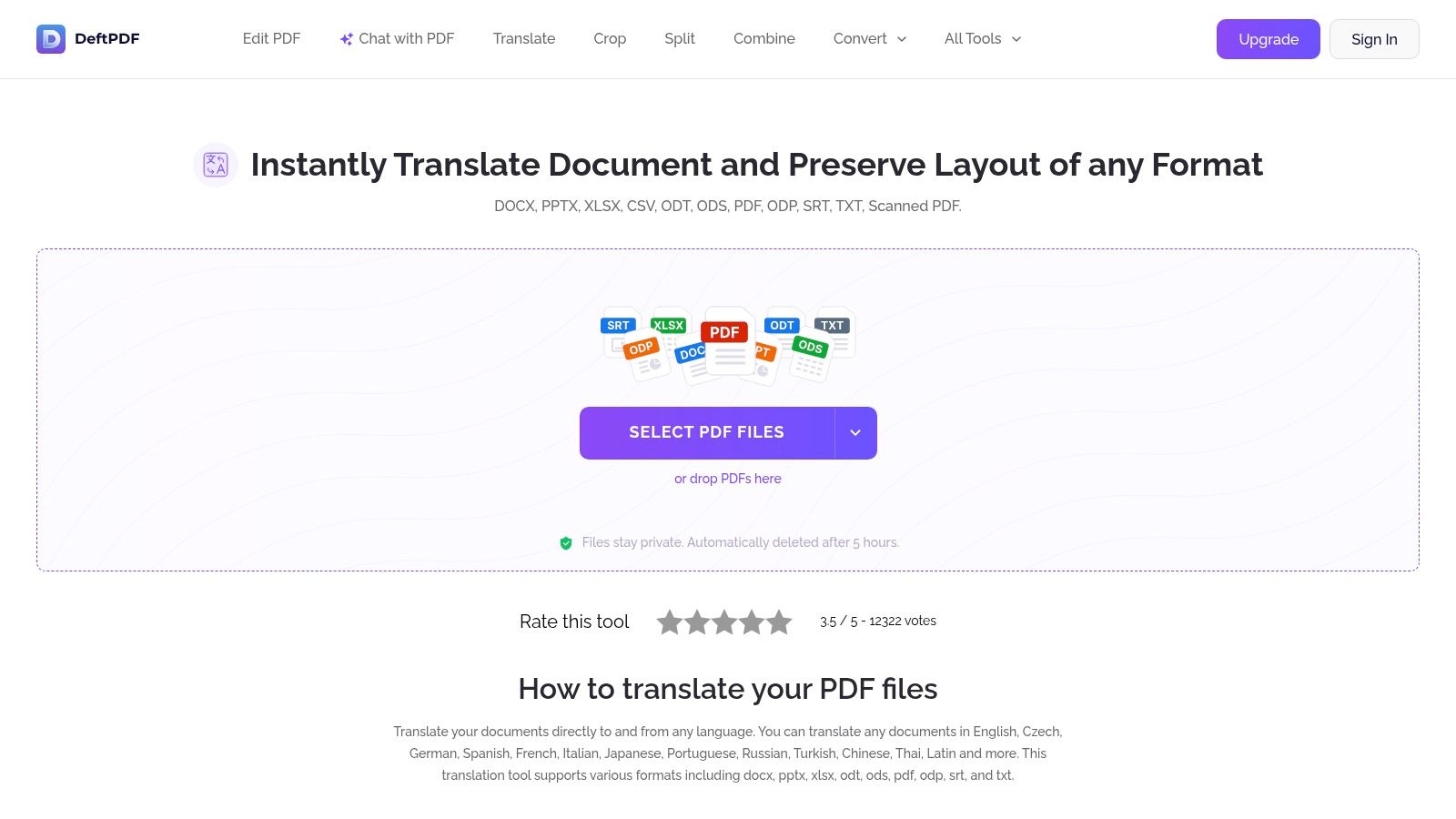
The platform is designed for ease of use, integrating with cloud storage services like Google Drive and Dropbox for direct file imports. This flexibility, combined with a mobile app for on-the-go translations, positions DeftPDF as one of the best PDF translator online options for users needing a quick, no-frills solution for diverse document types. Its straightforward pricing model is particularly appealing for one-off projects or infrequent translation needs.
Key Features & Use Case
DeftPDF's strength lies in its OCR capabilities and simple, pay-as-you-go access model.
| Feature | Description | Best For |
|---|---|---|
| OCR Support | Translates scanned PDFs and image-based documents. | Digitizing and translating physical archives, invoices, or old records. |
| Multi-Format Capability | Supports PDF, DOCX, PPTX, and other common formats. | Users needing a single tool for various document types. |
| Cloud Integration | Import files directly from Google Drive, Dropbox, or a URL. | Streamlining workflows for cloud-based document management. |
| Pay-As-You-Go Pricing | A free tier for the first 5 pages, then a simple per-page fee. | Occasional users and one-time translation projects. |
Limitations & Access
While the initial free offering is useful for short documents, the costs can accumulate for larger files at $1 per page after the free limit. The OCR technology is powerful but may require manual proofreading and corrections, especially for documents with complex layouts or poor scan quality. The platform also has a file size limit, though the mobile app is noted to handle files over 500 pages.
Website: https://www.deftpdf.com/translate
11. Smartcat – AI PDF/Document Translator
Smartcat is a comprehensive translation ecosystem designed for teams and enterprises, moving beyond simple file conversion to offer a full-suite collaborative platform. It combines AI-powered translation with human-in-the-loop workflows, allowing businesses to not only translate PDFs but also to manage quality control, glossaries, and translation memory (TM). This makes it an exceptional choice for organizations that require a scalable, controlled, and consistent translation process across numerous documents.

The platform's dedicated PDF Agent is engineered to preserve complex layouts, even for scanned documents, a common pain point with many online tools. Users can upload a PDF, receive an AI-generated translation, and then invite colleagues or professional linguists directly into a side-by-side editor to review and refine the content. This blend of automation and human oversight makes Smartcat one of the best PDF translator online solutions for producing publish-ready materials.
Key Features & Use Case
Smartcat's power lies in its collaborative features and enterprise-grade controls for managing translation quality at scale.
| Feature | Description | Best For |
|---|---|---|
| Collaborative Workflows | Invite team members or linguists to edit and review translations in a side-by-side editor. | Businesses requiring high-quality, human-verified translations. |
| Translation Memory & Glossary | Ensures terminology is consistent across all company documents by storing and reusing translations. | Enterprises translating branded, legal, or technical content. |
| Advanced Layout Retention | A dedicated "PDF Agent" handles complex layouts and scanned documents to maintain original formatting. | Users with visually rich PDFs like marketing brochures or manuals. |
| Broad File Support | Supports over 80 file formats and more than 280 languages. | Organizations working with diverse document types and global audiences. |
Limitations & Access
While Smartcat offers a robust free tier, its most powerful collaborative and project management features are part of paid subscription plans, with pricing based on usage and team size. The platform requires a sign-up to access its services. Additionally, while it excels at text and layout preservation, it does not automatically translate text embedded within images or figures; these elements must be handled separately.
Website: https://www.smartcat.com/pdf-translator/
12. UPDF + UPDF AI (Translate PDF)
For users who need more than just translation, UPDF integrates a powerful PDF editor with its UPDF AI assistant. This combination allows for a seamless workflow where documents can be translated, edited, annotated, and finalized within a single application available on desktop, mobile, and online. The platform is built to handle various translation needs, from translating specific text selections to entire files, while aiming to keep the original layout intact.
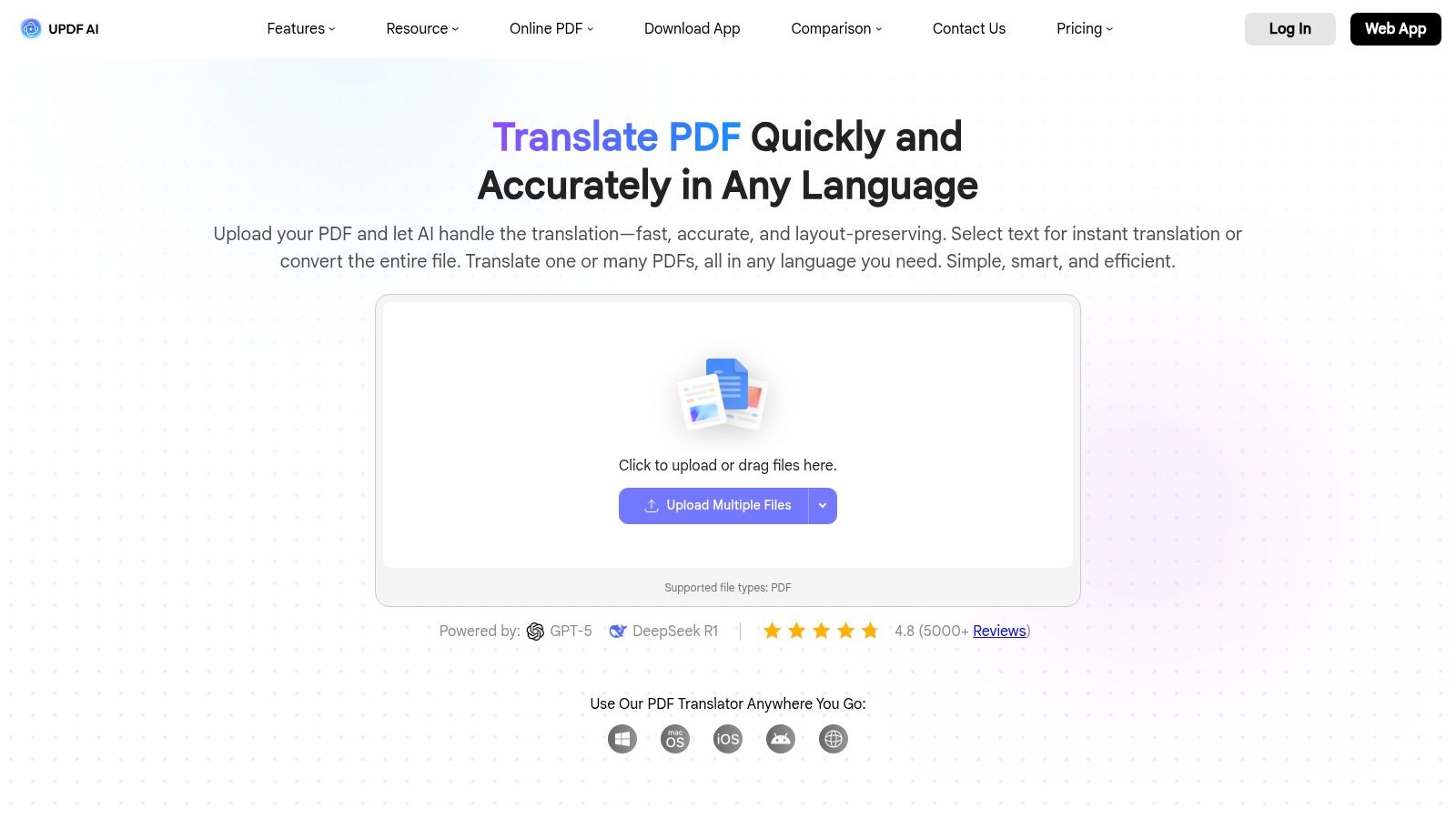
This all-in-one approach makes UPDF an excellent choice for users who anticipate needing to make post-translation adjustments or annotations. Its OCR capabilities are particularly useful for converting scanned documents into editable, translatable text. The inclusion of batch processing and multi-file "Chat Project" workflows positions it as a strong contender for handling larger projects efficiently, reinforcing its status as one of the best PDF translator online tools for comprehensive document management.
Key Features & Use Case
UPDF’s primary advantage is its fusion of AI-powered translation with a full-featured PDF editing suite.
| Feature | Description | Best For |
|---|---|---|
| Integrated PDF Editor | Translate and then immediately edit text, images, and links. | Users needing to make post-translation corrections or edits. |
| Multi-Platform Sync | Use the tool across desktop, mobile, and web browsers. | Professionals who work on documents from multiple devices. |
| OCR for Scanned PDFs | Converts image-based text into a machine-readable format. | Translating legacy documents, invoices, or scanned contracts. |
| Batch Processing | Translate multiple PDF files simultaneously in a project. | Teams handling a high volume of similar documents. |
Limitations & Access
While UPDF offers a versatile free trial, its advanced AI translation features require a paid UPDF AI add-on subscription. Users should carefully review the pricing plans, as marketing claims about included features can sometimes be confusing. The tool's performance on highly complex graphical layouts may vary, and a stable internet connection is necessary for the AI functions to work optimally.
Website: https://ai.updf.com/features/translate-pdf
Top 12 Online PDF Translators — Feature & Performance Comparison
| Product | Core features | Quality (★) | Price / Value (💰) | Target (👥) | Unique selling point (✨) |
|---|---|---|---|---|---|
| DocuGlot 🏆 | End-to-end format preservation (DOCX/TXT/MD), 100+ langs, Basic/Premium models, intelligent chunking | ★★★★☆ fast, context-aware | 💰 Basic $5.99 / Premium $9.99; transparent pay-as-you-go | 👥 SMBs, teams, researchers, freelancers | ✨ True layout retention + chunking for book-length files |
| Adobe Acrobat (with Express / AI) | In-Acrobat PDF workflow, export as translated PDF, page-range/selective translate | ★★★★☆ professional UX | 💰 Paid plan / trial required | 👥 Business, enterprise, PDF-heavy users | ✨ Native PDF editing + export in familiar Acrobat UI |
| Google Translate (Documents) | Browser-based document upload (PDF/DOCX/PPTX/XLSX), auto-detect language | ★★★☆☆ quick & easy | 💰 Free | 👥 Casual users, quick no-cost needs | ✨ Free, widest language coverage |
| DeepL | Web/desktop/API document translation, glossaries & formality control, DOCX export on Pro | ★★★★★ high-quality output | 💰 Subscription tiers (Pro features vary) | 👥 Professionals, translators, content teams | ✨ Best-in-class ML quality + glossaries |
| Microsoft Azure Translator – Language Studio | No-code UI for Document Translation, batch + blob storage, enterprise security | ★★★★☆ scalable & secure | 💰 Enterprise pay-as-you-go | 👥 Enterprises, IT teams, regulated orgs | ✨ Azure governance, AD controls, large-scale batches |
| Smallpdf – Translate PDF | Full-document translate/summary, OCR for scans, AI chat, simple web UI | ★★★★☆ user-friendly | 💰 Subscription for full access; trial available | 👥 Small teams, consumers, quick jobs | ✨ OCR + AI chat for PDF Q&A |
| Canva – PDF Translator (Translate app) | In-editor PDF translate, design/layout editing, side-by-side pages | ★★★★☆ design-first | 💰 Free once; Pro/Teams for ongoing use | 👥 Marketers, designers, teams | ✨ Built-in design editing + collaboration |
| PDF Candy – Translate PDF | Browser translator, large file allowances, desktop + web bundles | ★★★☆☆ value-focused | 💰 Clear monthly/annual/lifetime plans | 👥 Value-minded users, offline desktop users | ✨ Lifetime license option; big file limits |
| DocTranslator | Supports many formats incl. images/IDML, up to 1 GB / 5k pages, free 1-page preview | ★★★☆☆ large-file specialist | 💰 Pay-per-word transparent pricing | 👥 Users with huge PDFs or one-off large jobs | ✨ Free preview page before payment |
| DeftPDF – Document Translator | Multi-format translate, OCR for scans, cloud imports, mobile app | ★★★☆☆ simple pay-as-you-go | 💰 Small free tier; $1/page typical paid rate | 👥 Occasional users, mobile workers | ✨ Per-page pay model + mobile app |
| Smartcat – AI PDF/Document Translator | AI+human workflows, TM & glossaries, collaborative editor, PDF Agent | ★★★★☆ enterprise collaboration | 💰 Variable (team/enterprise pricing) | 👥 Localization teams, enterprises | ✨ Integrated human review + TM/glossary workflows |
| UPDF + UPDF AI (Translate PDF) | Full PDF editor + AI translate, OCR, batch Chat Projects, side-by-side compare | ★★★★☆ editing + translate combo | 💰 Free trial; AI add-on paid | 👥 Users needing edit + translate in one tool | ✨ Translate + full PDF editing in one app |
The Final Verdict: Making Your Decision
Navigating the landscape of online PDF translators reveals a clear truth: the "best" tool is not a universal title but a specific match for a unique need. Our comprehensive review of twelve leading platforms, from specialized powerhouses to integrated ecosystem players, has equipped you with the critical data points to make an informed decision. Choosing the right tool isn't just about converting words from one language to another; it's about preserving intent, maintaining professional presentation, and optimizing your workflow.
The journey through these tools has highlighted a spectrum of capabilities. On one end, you have quick, accessible solutions like Google Translate and Smallpdf, which excel at providing the gist of a document instantly and for free. They are perfect for personal use or internal drafts where visual fidelity is a low priority. On the other end, platforms like DeepL and Smartcat offer sophisticated linguistic controls, including glossaries and translation memory, catering to professional translators and localization teams who demand the highest level of accuracy and nuance.
Key Takeaways for Your Selection Process
As you move forward, reflect on the core priorities that define your translation needs. The ideal choice hinges on a careful balance of format preservation, linguistic quality, security protocols, and budget.
- For Absolute Formatting Integrity: If your documents contain complex layouts, tables, charts, or specific branding elements, your search should gravitate towards specialized services. Tools that simply extract text for translation and then attempt to reflow it into a new PDF will inevitably create hours of corrective work. This is where a solution designed from the ground up for layout preservation, like DocuGlot, demonstrates its true value.
- For Ecosystem Integration: If your daily operations are deeply embedded within a specific software suite, the path of least resistance is often the most efficient. Adobe Acrobat users will find its integrated AI translation features incredibly convenient for seamless edits and translations within a familiar environment. Similarly, teams utilizing Microsoft Azure will benefit from the robust, scalable infrastructure of the Language Studio.
- For Budget-Conscious Needs: When cost is the primary driver and occasional formatting inconsistencies are acceptable, the free tiers offered by Google Translate, Canva, and various other online converters provide immense value. They are excellent for understanding foreign-language documents or for creating initial drafts that will be manually polished later.
- For High-Volume, Complex Projects: Enterprises and localization agencies must look beyond simple file translation. The best PDF translator online for this segment will include features for collaboration, API access for automation, and advanced security measures. Tools like Smartcat and Microsoft Azure Translator are built to handle this scale, offering a platform-level approach to multilingual content management.
Making a Confident and Strategic Choice
Your final decision should be a strategic one. Before committing, consider running a small test project on your top two or three contenders. Take a representative sample of your most challenging PDF file, one with intricate tables, varied fonts, and important images. Process it through each service and compare the outputs side-by-side.
Evaluate not just the linguistic accuracy but also the time you would need to spend post-translation to make the document client-ready. How much reformatting is required? Are the tables intact? Did the headers and footers carry over correctly? This simple, practical test will often reveal a clear winner for your specific use case far more effectively than any feature list. The right tool will feel less like a utility and more like a powerful extension of your team, saving you time, reducing frustration, and ensuring your global communications are always clear, professional, and impactful.
Ready to experience a translation process that respects your document's design? If you need a best pdf translator online that guarantees your document's layout remains pristine, consider giving DocuGlot a try. Its advanced technology ensures that what you see is what you get, in any language, saving you countless hours of post-translation reformatting. Try DocuGlot today and translate your documents without compromise.
Tags
Ready to translate your documents?
DocuGlot uses advanced AI to translate your documents while preserving formatting perfectly.
Start Translating