Finding Good Translation Software: 12 Top Tools for 2026
In a globalized market, the need for fast, accurate, and context-aware translation is no longer a luxury but a fundamental business requirement. Whether you're a startup aiming to reach international customers, a legal firm handling sensitive multilingual contracts, or a researcher sharing findings with a global academic community, selecting the right tool is critical. The challenge is that the market is saturated with options, each claiming to be the best. This guide cuts through the noise to provide a detailed, comparative analysis of truly good translation software available today.
We'll move beyond generic feature lists and marketing claims. Instead, this resource focuses on practical applications and real-world performance, helping you match specific software capabilities to your unique needs. We will explore platforms excelling in different areas, from preserving the complex formatting of a PDF or DOCX file to ensuring the highest level of data security for confidential documents. For each tool, we provide a clear breakdown of its strengths, limitations, and ideal use cases, complete with screenshots and direct links to get you started quickly.
Our goal is to equip you with the insights needed to make an informed decision, whether you need a powerful API for enterprise-level integration or a user-friendly platform for occasional document translation. While this article focuses on translation tools, it's worth noting that organizations in the language industry also rely on specialized operational systems. For instance, growing educational institutions often use dedicated language school management software to streamline their administrative tasks. This guide, however, remains focused on helping you find the perfect software to break down language barriers effectively.
1. DocuGlot
Best For: Format-Preserving Document Translation
DocuGlot establishes itself as a premier choice for professionals and businesses that demand both high-quality AI translation and perfect preservation of original document formatting. Its core strength lies in its ability to take a complex document, such as a report with specific headers, tables, and styled lists, and return a translated version that mirrors the original layout. This makes it exceptionally good translation software for users who need ready-to-use documents without spending hours on post-translation reformatting. The platform supports a wide array of over 100 languages, including many regional dialects, ensuring broad global coverage.
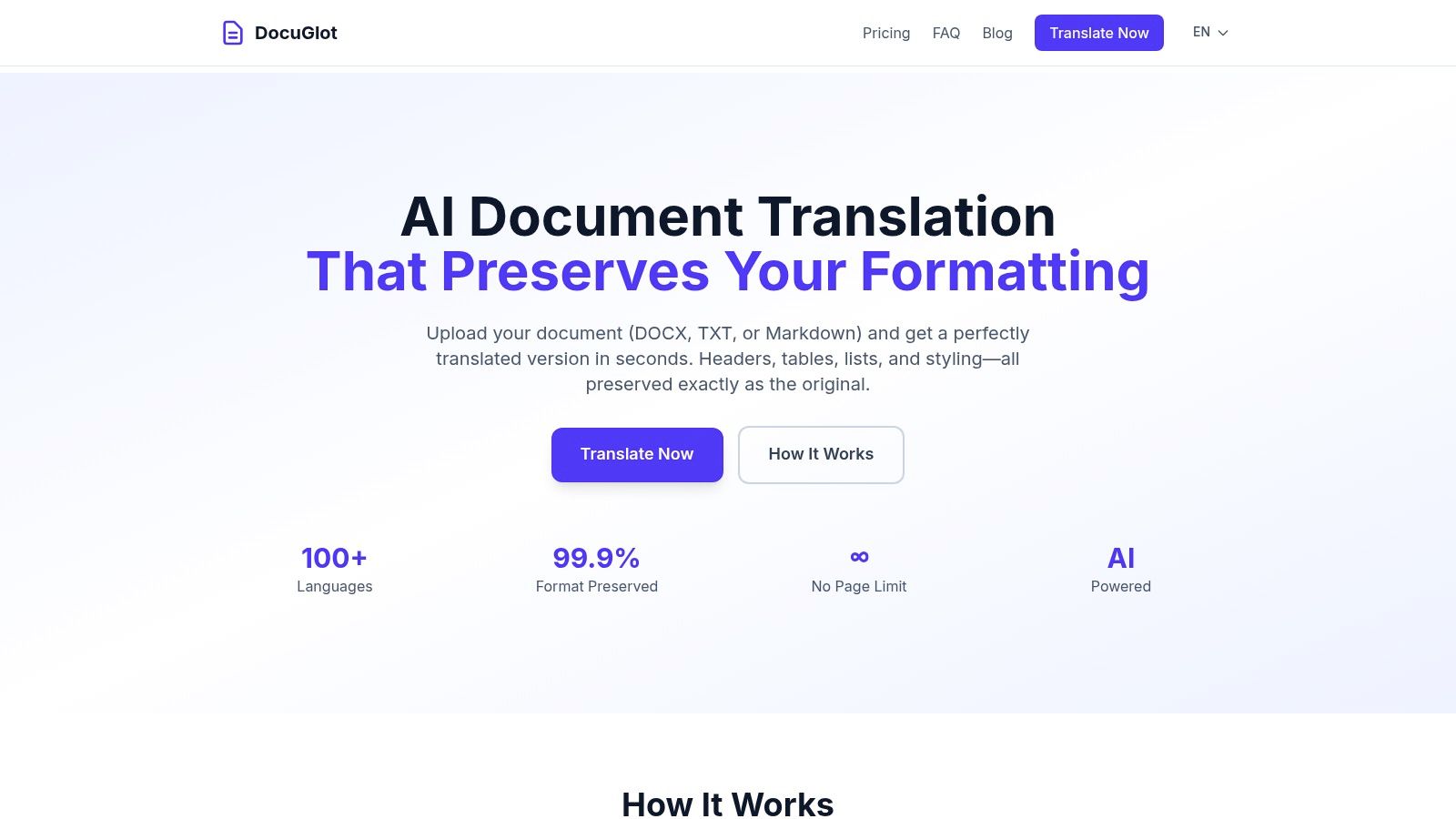
The service is engineered for scalability and security, making it suitable for both a single-page memo and a book-length manuscript. By using an intelligent chunking process, it effectively removes page limits. Security is also a top priority, with enterprise-grade encryption for files both in transit and at rest, and an automatic deletion policy that removes all data after 24 hours.
Key Features and User Experience
DocuGlot’s workflow is intentionally straightforward. Users simply upload a file (DOCX, TXT, or Markdown), select a target language, and receive a precise cost estimate before committing. The platform offers two distinct service tiers to match different needs and budgets:
- Basic Tier: Utilizes a fast AI model ideal for everyday business documents, presentations, and general content where speed and cost-effectiveness are key.
- Premium Tier: Employs a more advanced AI model designed for superior contextual understanding, making it the better choice for technical, legal, or complex material.
Turnaround times are impressively fast, ranging from a few minutes to a few hours, with an email notification upon completion. This pay-as-you-go model, with no required subscriptions, provides excellent flexibility. Learn more about its approach to document translation software.
Pricing & Practical Considerations
DocuGlot’s pricing is transparent and accessible. The Basic service starts with a $5.99 minimum, while the Premium service has a $9.99 minimum. Pricing scales based on word count beyond these minimums, with the exact cost clearly displayed before you approve the transaction.
A notable point is its current file format handling. While the platform excels with DOCX files, its PDF support is listed as "coming soon." All translations, regardless of original format, are delivered as professionally formatted DOCX files. Users requiring a direct PDF-to-PDF workflow should confirm the current status of this feature before proceeding with critical jobs. Additionally, while the AI is highly accurate, DocuGlot responsibly recommends a final human review for high-stakes legal or medical documents.
- Website: https://docuglot.com
2. DeepL
DeepL has earned a strong reputation as a top-tier AI translation service, frequently cited for its remarkably fluent and natural-sounding output. It leverages advanced neural networks to produce translations that often capture nuance and context better than many alternatives, making it some of the good translation software available for businesses and professionals who prioritize readability. A key advantage is its robust document translation capability, which preserves the original formatting in files like DOCX, PPTX, and PDFs.
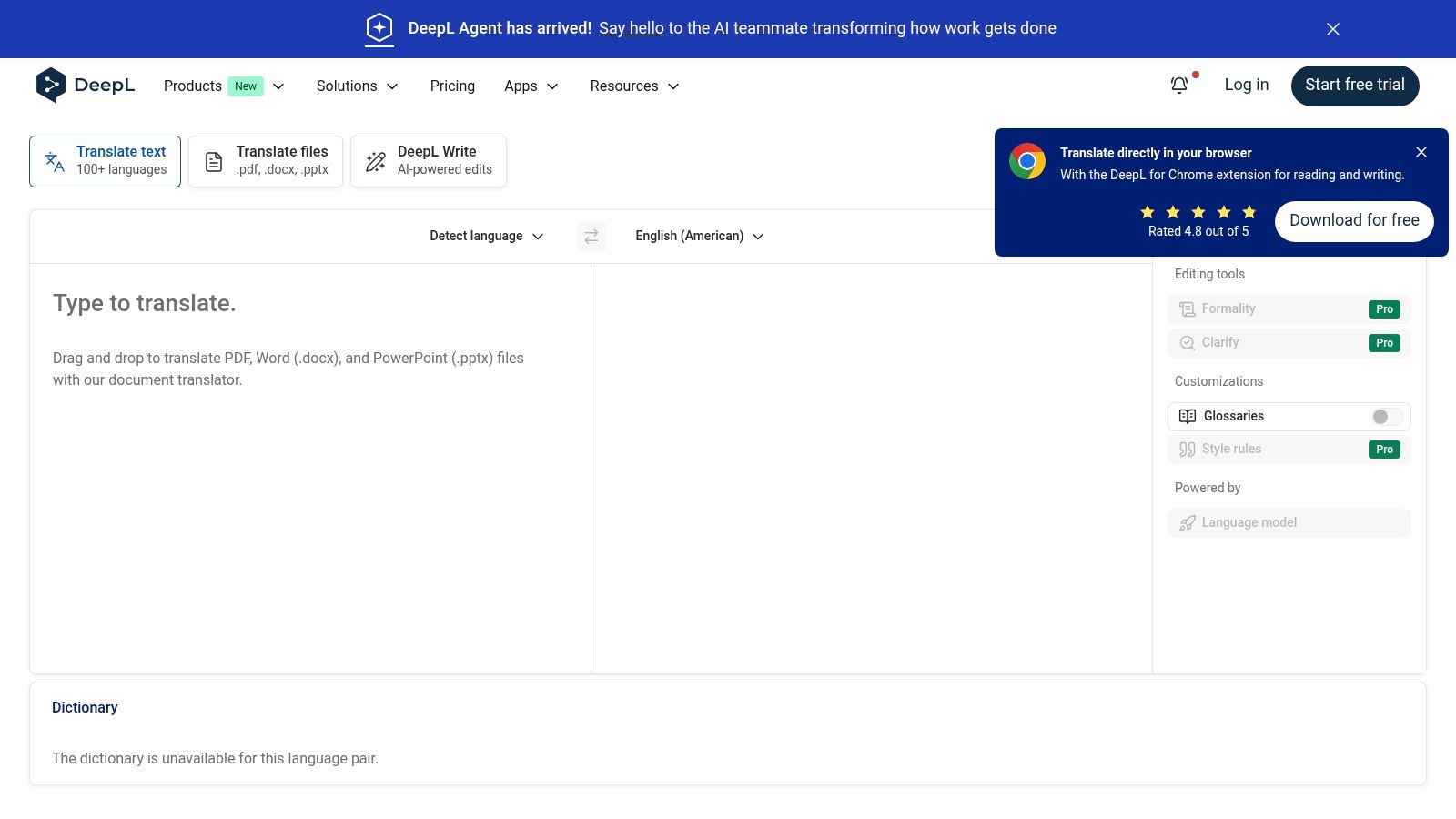
This platform is more than just a web translator; it offers a cohesive ecosystem with desktop apps for Windows and macOS, browser extensions, and an API for developers. The glossary feature is particularly useful for maintaining brand consistency, allowing users to define how specific terms are translated across all documents. For those working with complex documents, DeepL’s ability to handle PDFs is a significant asset. You can find out more about the challenges of this file type and how tools handle them in this guide on translating PDF files.
Key Features and Considerations
While the free version is generous, professional use cases benefit from the paid plans, which unlock unlimited text translation, enhanced security, and more document translations per month.
| Feature | Details |
|---|---|
| Use Case | High-quality text and document translation with layout preservation. |
| Integrations | Desktop and mobile apps, browser extensions, API access, and integrations for CAT tools. |
| Security | Pro plans offer enhanced data security, with texts deleted immediately after translation. |
| Pricing | Offers a free tier; paid plans start around $8.74/user/month for individuals and scale up for teams. |
| Limitation | The API has a 50,000-character minimum charge per document, which can be inefficient for small files. |
Website: https://www.deepl.com
3. Google Cloud Translation
Google Cloud Translation is a production-grade machine translation service designed for scalability and enterprise use. Unlike consumer-facing tools, it offers a robust backend infrastructure with both standard and advanced translation models, making it some of the good translation software for developers and businesses needing to integrate translation directly into their workflows. It excels at handling large volumes of text and documents with predictable, pay-as-you-go pricing, appealing to organizations that require a reliable, high-throughput solution.
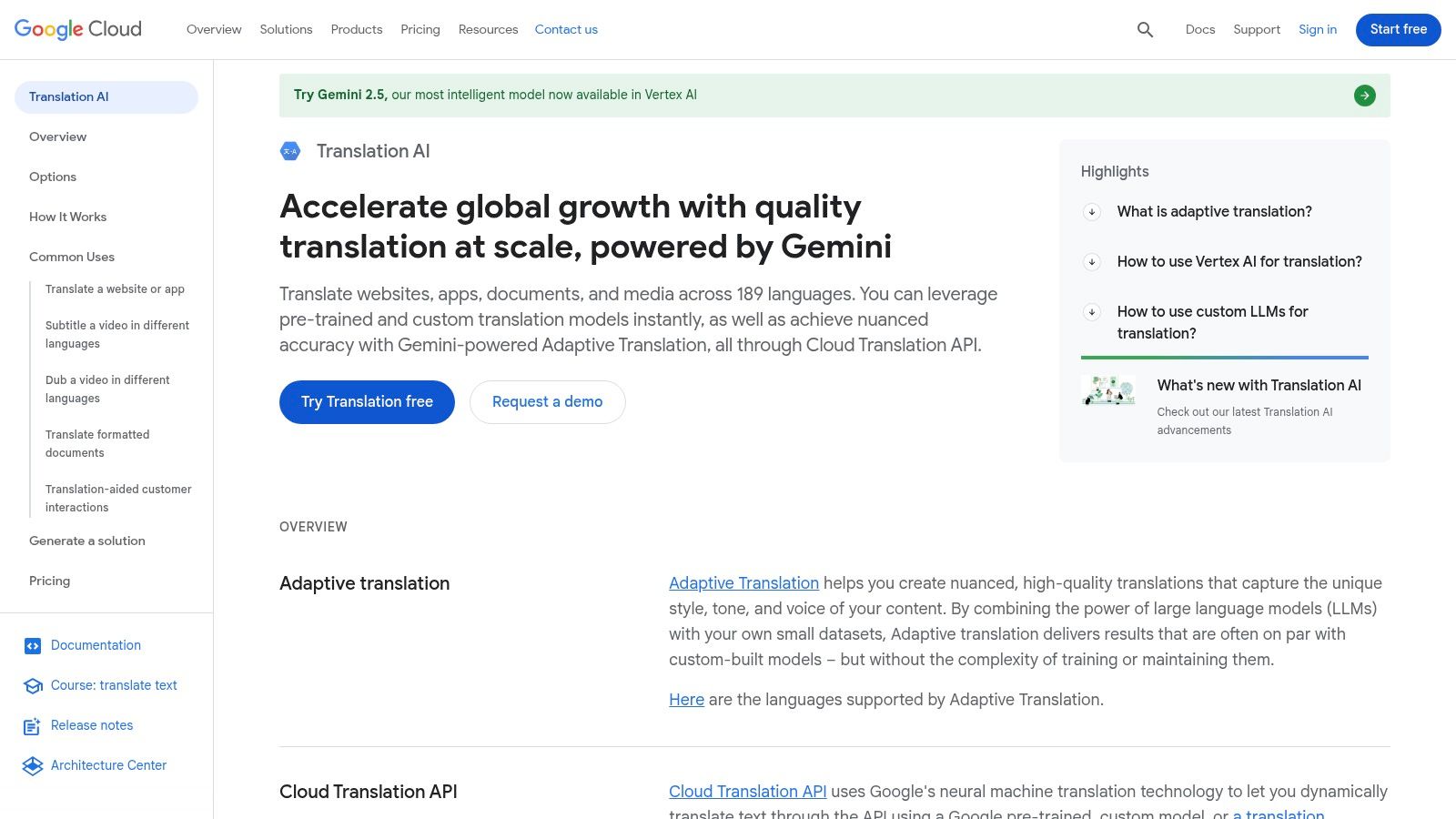
The platform’s strength lies in its extensive API and detailed documentation, which facilitate integration into existing applications and enterprise systems. It supports batch translations for processing large datasets and offers document translation that can handle formats like DOCX, PPTX, and PDF. Features like glossaries help maintain terminological consistency across projects, while options for custom and adaptive models allow businesses to fine-tune translations based on their specific domain or style, a crucial feature for technical or branded content.
Key Features and Considerations
The service is highly customizable but can be complex for non-developers. Its pricing is transparent and granular, based on character counts or per-page for certain document types, which allows for predictable cost management at scale. A generous free tier for standard translation makes it accessible for initial testing and smaller projects.
| Feature | Details |
|---|---|
| Use Case | Scalable, API-driven text and document translation for enterprise applications and large-volume workflows. |
| Integrations | Extensive API access, Google Cloud ecosystem integration, and robust developer documentation. |
| Security | Operates within the secure, compliant Google Cloud infrastructure suitable for enterprise data. |
| Pricing | Pay-as-you-go per character or per page. A free tier includes 500k characters/month for standard NMT. |
| Limitation | Custom models come at a premium cost, and per-page document pricing is limited to specific file formats. |
Website: https://cloud.google.com/translate
4. Microsoft Azure AI Translator
As part of its comprehensive cloud platform, Microsoft Azure offers a powerful AI Translator service designed for enterprise-grade applications. It provides real-time and batch translation for both text and documents, making it a scalable solution for businesses integrating translation into their workflows. A key differentiator is its enterprise focus, offering robust Service Level Agreements (SLAs), regional deployment controls, and well-documented service limits, which provides predictability for large-scale operations. It is a solid choice for developers and companies already invested in the Azure ecosystem.
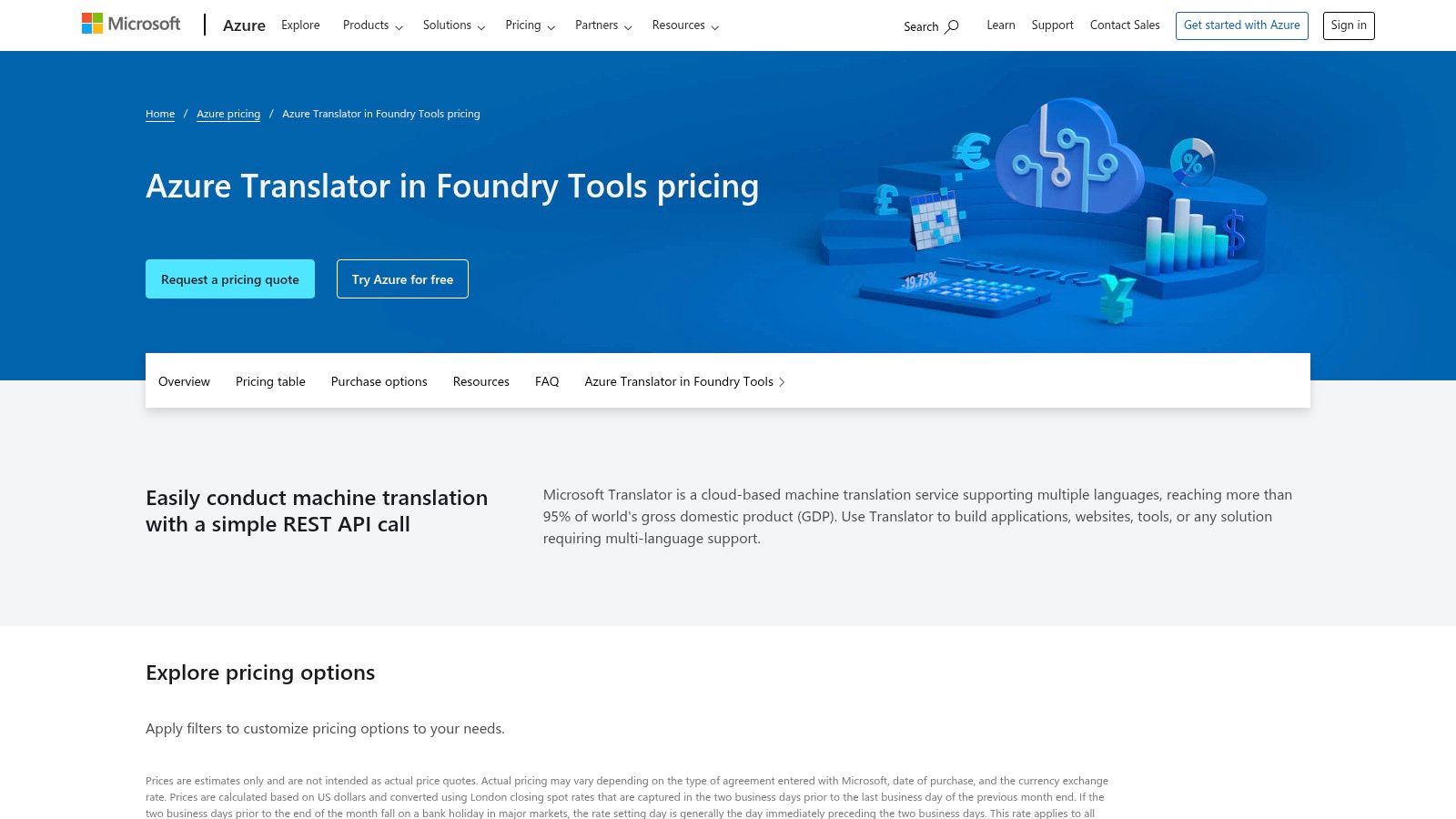
The platform's Custom Translator feature allows organizations to build translation models adapted to their specific domain or terminology, a crucial capability for maintaining brand voice and technical accuracy. For businesses needing to pilot a solution, Azure's generous free tier is a significant advantage, offering up to two million characters per month at no cost. This makes it one of the most accessible pieces of good translation software for proof-of-concept projects before committing to a paid plan.
Key Features and Considerations
While powerful, navigating the pricing page can be tricky, as per-million-character rates are sometimes only visible after signing in. It's also important to note that feature availability and specific SKUs can differ depending on the selected Azure region.
| Feature | Details |
|---|---|
| Use Case | Enterprise-level translation integration, custom model training, and scalable cloud-based deployments. |
| Integrations | Native integration with the Azure ecosystem; API for custom application development. |
| Security | Benefits from Azure's robust security and compliance framework, with options for regional data residency. |
| Pricing | A generous free tier (F0) is available; paid plans are usage-based and highly scalable. |
| Limitation | Pricing details can be opaque until you are logged into an Azure account; features may vary by region. |
Website: https://azure.microsoft.com/pricing/details/cognitive-services/translator/
5. Amazon Translate (AWS)
Amazon Translate is a neural machine translation service that is deeply integrated into the Amazon Web Services (AWS) ecosystem. This makes it a powerful choice for developers and businesses already utilizing AWS for their infrastructure. It is designed for scalability and offers fine-grained control over translations, including custom terminology to ensure brand names and specific jargon are translated consistently. The service supports a wide array of languages and is built to handle high volumes of text efficiently.
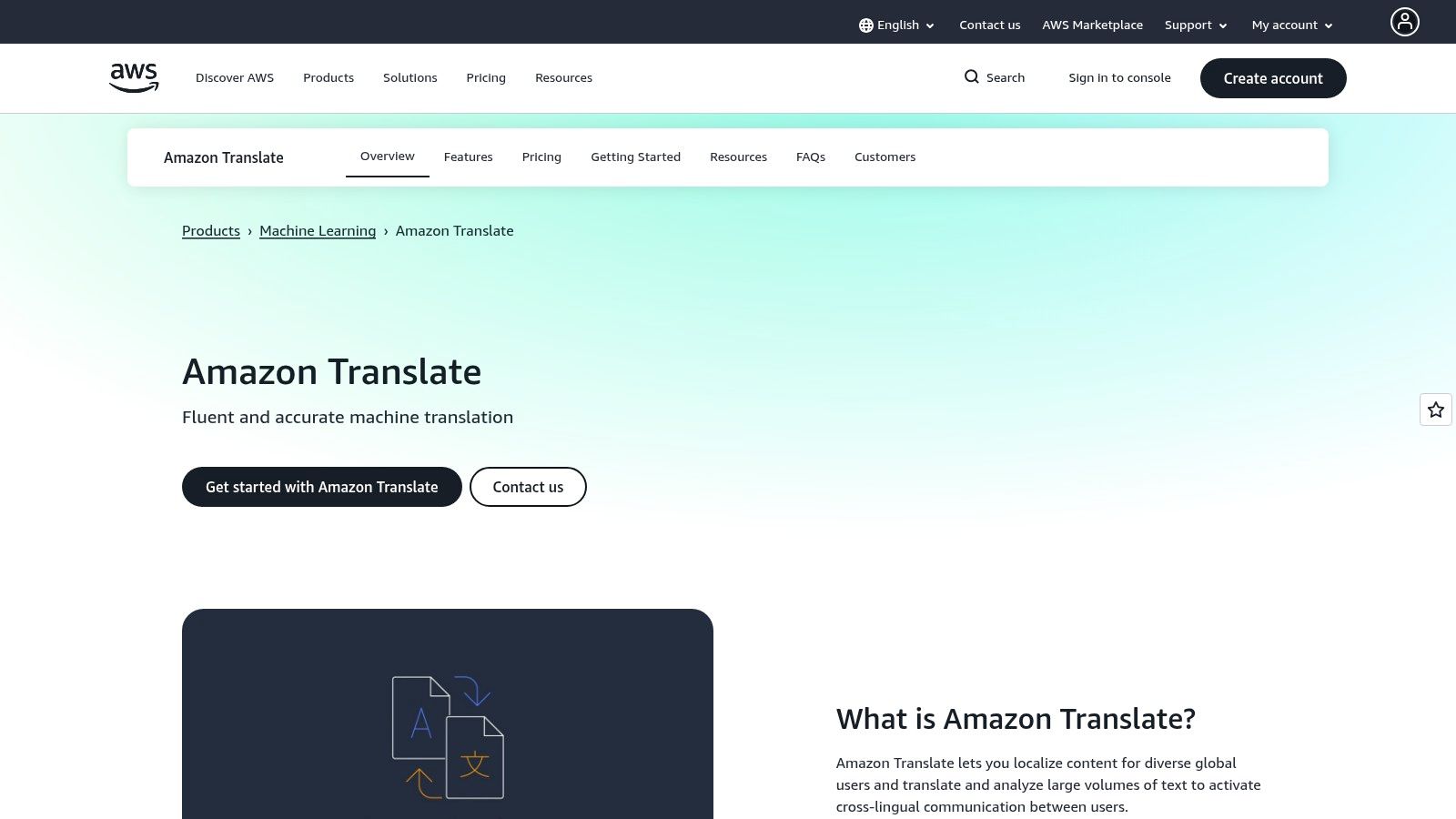
A key differentiator for Amazon Translate is its seamless integration with other AWS services like S3 for storage and Lambda for serverless processing, enabling automated translation workflows. Users can also control the formality of the output, which is a valuable feature for reaching different audiences appropriately. While it may require more technical setup than standalone apps, it offers unparalleled flexibility and is some of the most customizable good translation software for technical teams.
Key Features and Considerations
The pay-as-you-go pricing model is attractive for variable workloads, but it is important to note the different rates for standard text translation versus document formats like DOCX. This can add a layer of complexity to cost forecasting.
| Feature | Details |
|---|---|
| Use Case | Scalable, automated translation workflows for developers and businesses embedded in the AWS ecosystem. |
| Integrations | Native integration with the entire AWS suite (S3, Lambda, Comprehend) and a comprehensive API for custom apps. |
| Security | Leverages AWS's robust security and compliance standards, including IAM roles and VPC endpoints. |
| Pricing | Pay-as-you-go model based on characters translated; offers a free tier and volume discounts. |
| Limitation | Requires technical expertise to implement and manage effectively; pricing can be complex to forecast. |
Website: https://aws.amazon.com/translate
6. RWS Trados Studio
RWS Trados Studio is a cornerstone in the professional translation industry, recognized as a leading computer-assisted translation (CAT) tool for translators, agencies, and enterprises. It provides a comprehensive desktop environment designed to optimize the entire translation workflow. The software is built around translation memory (TM) and terminology management, which helps ensure consistency and quality across large projects, making it a powerful piece of good translation software for specialized fields.
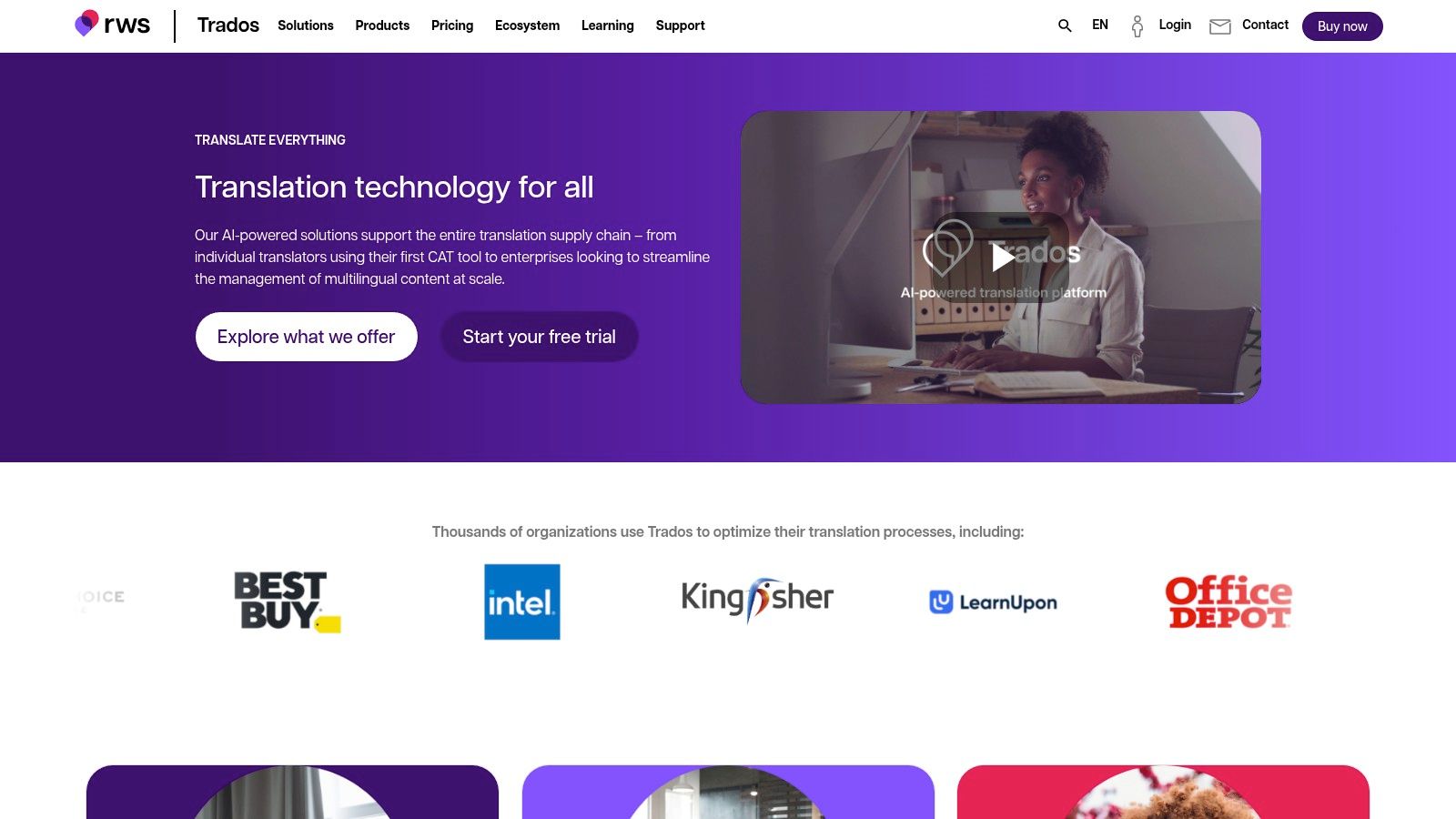
Unlike purely web-based solutions, Trados offers a robust ecosystem with an extensive AppStore for plugins that extend its functionality, from file format support to quality assurance checks. Its cloud connectivity also enables seamless collaboration for teams and enterprise workflows. This level of control and customization is particularly important for projects requiring high accuracy, such as those that might eventually need formal validation. You can learn more about these requirements in this guide to certified translation services.
Key Features and Considerations
Trados Studio operates on a subscription model, offering both monthly and annual plans tailored to freelancers and teams, with a 14-day trial available. While it represents a significant investment, its industry-standard status makes it a valuable asset for career translators.
| Feature | Details |
|---|---|
| Use Case | Professional translation for freelancers, LSPs, and corporations needing a full CAT tool environment. |
| Integrations | Extensive AppStore for plugins, API access, and cloud connectivity for team-based projects. |
| Security | Desktop-based application offers local data control, with cloud options for secure team collaboration. |
| Pricing | Subscription-based, with flexible monthly and annual options available for different user types. |
| Limitation | The subscription model can be costly over time, and some users have noted concerns about upgrade pricing. |
Website: https://www.trados.com
7. memoQ translator pro
memoQ translator pro is a widely respected Computer-Assisted Translation (CAT) tool designed for professional translators and localization teams. It stands out for its powerful productivity features and exceptional interoperability with other industry-standard software. Unlike purely web-based services, memoQ is a robust desktop environment built to handle complex projects, integrating translation memories, term bases, and quality assurance checks into a cohesive workflow. It’s considered good translation software for those who need to work within established localization ecosystems.
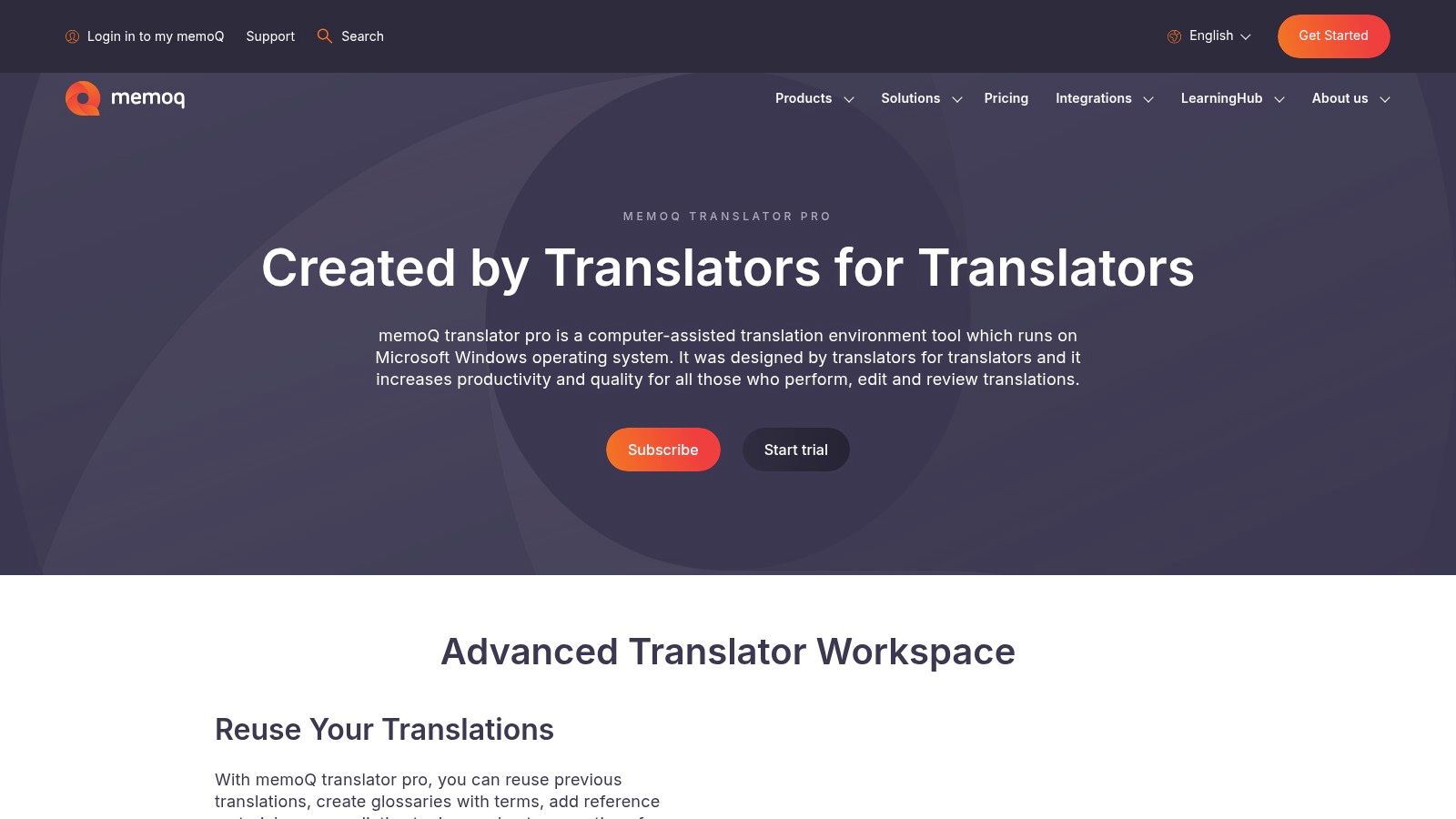
The platform's strength lies in its compatibility, supporting a vast range of file formats including SDLXLIFF, XLIFF, and INDD, making it easier to collaborate with clients and colleagues using different tools. While it has a steeper learning curve than simpler translators, its comprehensive feature set empowers users to maintain high levels of consistency and quality across large-scale projects. Responsive support and frequent updates ensure the tool remains competitive and aligned with industry needs.
Key Features and Considerations
memoQ is a Windows-first application, meaning macOS users may need to use virtualization software like Parallels. Its advanced collaboration features often require a separate memoQ server or TMS license, which is an additional consideration for teams.
| Feature | Details |
|---|---|
| Use Case | Professional translation and localization workflows requiring high productivity and interoperability. |
| Integrations | Extensive file format support (SDLXLIFF, etc.), TM and term base exchange, and server/TMS options for teams. |
| Security | As a desktop tool, it operates locally, giving users full control over their project data security. |
| Pricing | Offers a 14-day free trial; paid licenses are available via monthly or annual subscriptions. |
| Limitation | The primary desktop client is Windows-only, and team collaboration features require additional server costs. |
Website: https://www.memoq.com/product/memoq-translator-pro
8. Phrase
Phrase is an end-to-end localization suite designed for product, marketing, and content teams seeking to streamline their entire translation workflow. It combines a Translation Management System (TMS) with a dedicated strings platform, offering a unified solution that scales from individual freelancers to large enterprises. The platform’s strength lies in its AI-assisted machine translation orchestration and deep integrations with tools like Figma, GitHub, WordPress, and Jira, making it some of the most cohesive good translation software for complex product and content ecosystems.
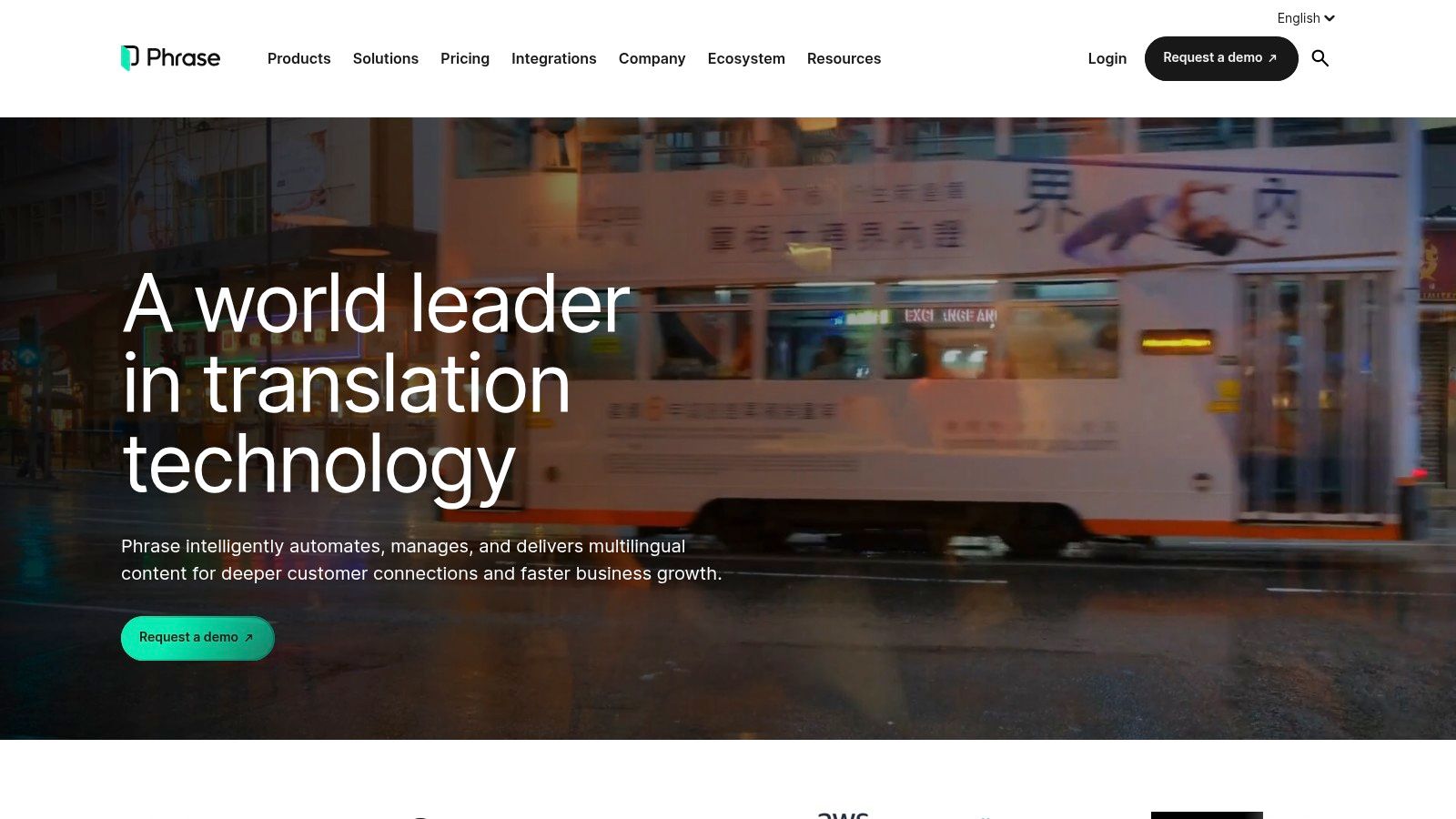
This comprehensive approach allows teams to manage everything from initial design and development to final content deployment within a single, connected environment. Features such as customizable AI/MT with glossaries and profiles, detailed reporting, and integrated Linguistic Quality Assurance (LQA) provide the control needed for maintaining brand voice and accuracy across all multilingual assets. Phrase is particularly effective for organizations that need to embed localization directly into their continuous development and content creation cycles, automating many steps that would otherwise be manual and time-consuming.
Key Features and Considerations
The platform's power comes from its ability to connect disparate parts of the localization process, though its extensive feature set and pricing tiers can be complex for newcomers. It is best suited for teams that require robust workflow management and automation.
| Feature | Details |
|---|---|
| Use Case | End-to-end localization for software, websites, and marketing content with deep workflow integration. |
| Integrations | Extensive connectors for Figma, GitHub, WordPress, Jira, and other development and CMS tools. |
| Security | Enterprise-grade security features are available, tailored to meet corporate compliance requirements. |
| Pricing | Custom pricing based on plan tiers (Startup, Team, Business, Enterprise) and usage volume. |
| Limitation | The extensive enterprise features and complex pricing may be more than what a small project requires. |
Website: https://phrase.com
9. Smartcat
Smartcat positions itself as an all-in-one AI language platform, designed for businesses looking to scale their localization efforts. It integrates a collaborative CAT (Computer-Assisted Translation) environment with an extensive marketplace of professional linguists and AI automation tools. This combination makes it a powerful choice for teams that manage a mix of in-house and outsourced translation projects, offering a centralized hub for workflow management and quality control.
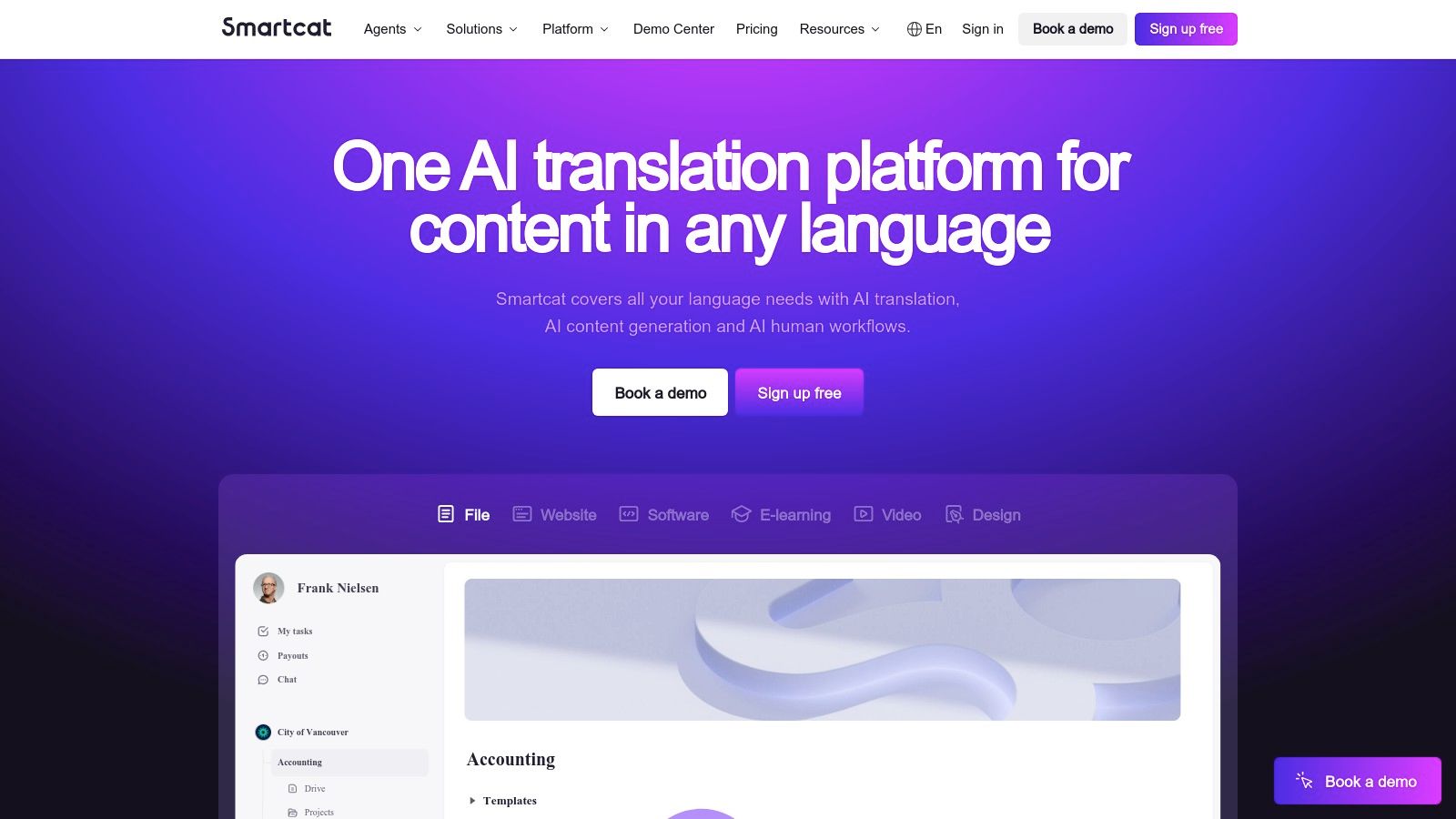
The platform’s strength lies in its collaborative nature and flexible resource management. It allows companies to bring their own translators or hire talent directly from its marketplace, all within a unified workspace. By providing unlimited user seats on its paid plans, Smartcat supports growing teams without penalizing them for adding more collaborators. This approach makes it some of the most scalable good translation software for organizations that need a flexible, integrated solution for managing complex localization pipelines.
Key Features and Considerations
The platform uses AI agents and MT orchestration to automate repetitive tasks and suggest the best machine translation engine for a given language pair. While its pricing model can be complex at first, it offers significant flexibility for scaling operations.
| Feature | Details |
|---|---|
| Use Case | Collaborative localization for teams managing both in-house and freelance translators. |
| Integrations | API access, CMS connectors, and a marketplace for sourcing translation and editing services. |
| Security | Provides secure, cloud-based workspaces with access controls for different user roles. |
| Pricing | Offers a free "Starter" plan; paid plans are subscription-based with AI credit and marketplace fees. |
| Limitation | The pricing model and AI 'agents' capacity can be confusing initially, and some features need sales engagement. |
Website: https://www.smartcat.com
10. SYSTRAN (SYSTRAN Translate Pro)
SYSTRAN is a veteran in the machine translation space, offering a suite of professional tools designed for enterprises that prioritize data privacy and terminology control. SYSTRAN Translate Pro provides robust solutions that go beyond simple text translation, including file converters, Office add-ins, and connectors for existing workflows. This focus makes it some of the most dependable and good translation software for organizations needing to integrate translation capabilities directly into their business processes while maintaining strict security standards.
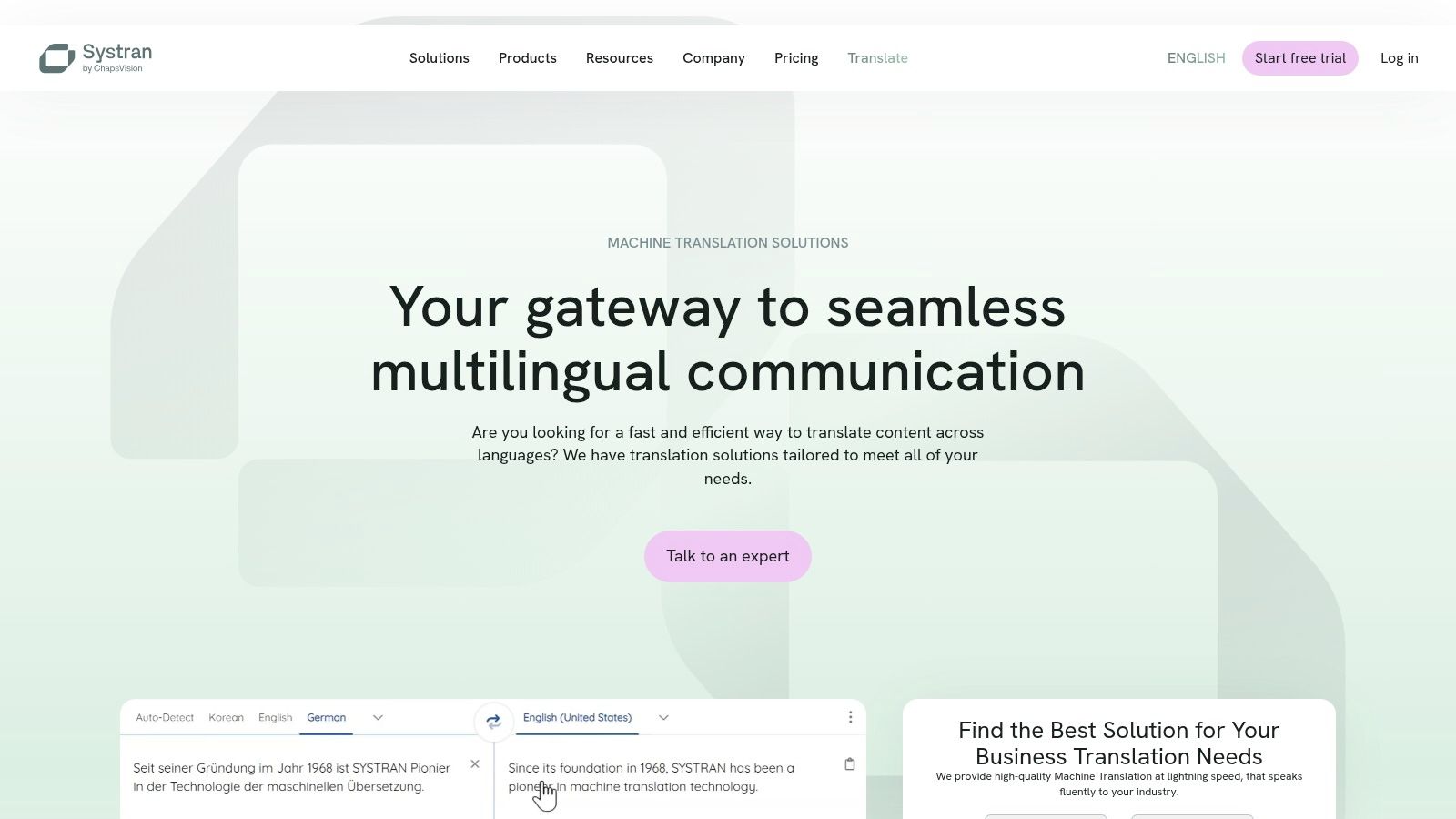
The platform stands out with its options for domain customization, allowing businesses in specialized fields like legal or manufacturing to train models with their own terminology for higher accuracy. Its professional web apps and integrations with CAT/TMS tools appeal to localization teams looking for a secure, on-premise, or private cloud solution. This enterprise-friendly approach ensures that sensitive corporate data is handled according to strict privacy protocols, a critical consideration for many large businesses.
Key Features and Considerations
SYSTRAN offers per-user subscription plans with clear quotas, which is well-suited for predictable business usage. While its language inventory might be smaller than some hyperscale providers, its strength lies in the depth of customization and security it offers for the languages it supports.
| Feature | Details |
|---|---|
| Use Case | Enterprise-grade translation with strong data privacy, domain customization, and workflow integration. |
| Integrations | Office add-ins, file translators (Word, PDF, etc.), CAT/TMS connectors, and an API for custom solutions. |
| Security | Focus on data privacy with on-premise and private cloud deployment options available for enterprise clients. |
| Pricing | Offers various "Translate Pro" plans with per-user subscriptions and character/page quotas. |
| Limitation | The website's information on plans and features can feel fragmented, requiring some effort to navigate. |
Website: https://www.systransoft.com
11. PROMT
PROMT stands out in the translation software landscape by focusing on offline, secure solutions ideal for handling sensitive data. It offers desktop and on-premises neural machine translation (NMT) with perpetual and annual licensing options, a significant departure from the subscription-based cloud models of its competitors. This makes it some of the good translation software for organizations in sectors like government, finance, or R&D where data privacy and control are non-negotiable. Its ability to translate common office formats while preserving the original layout adds to its practicality for corporate environments.
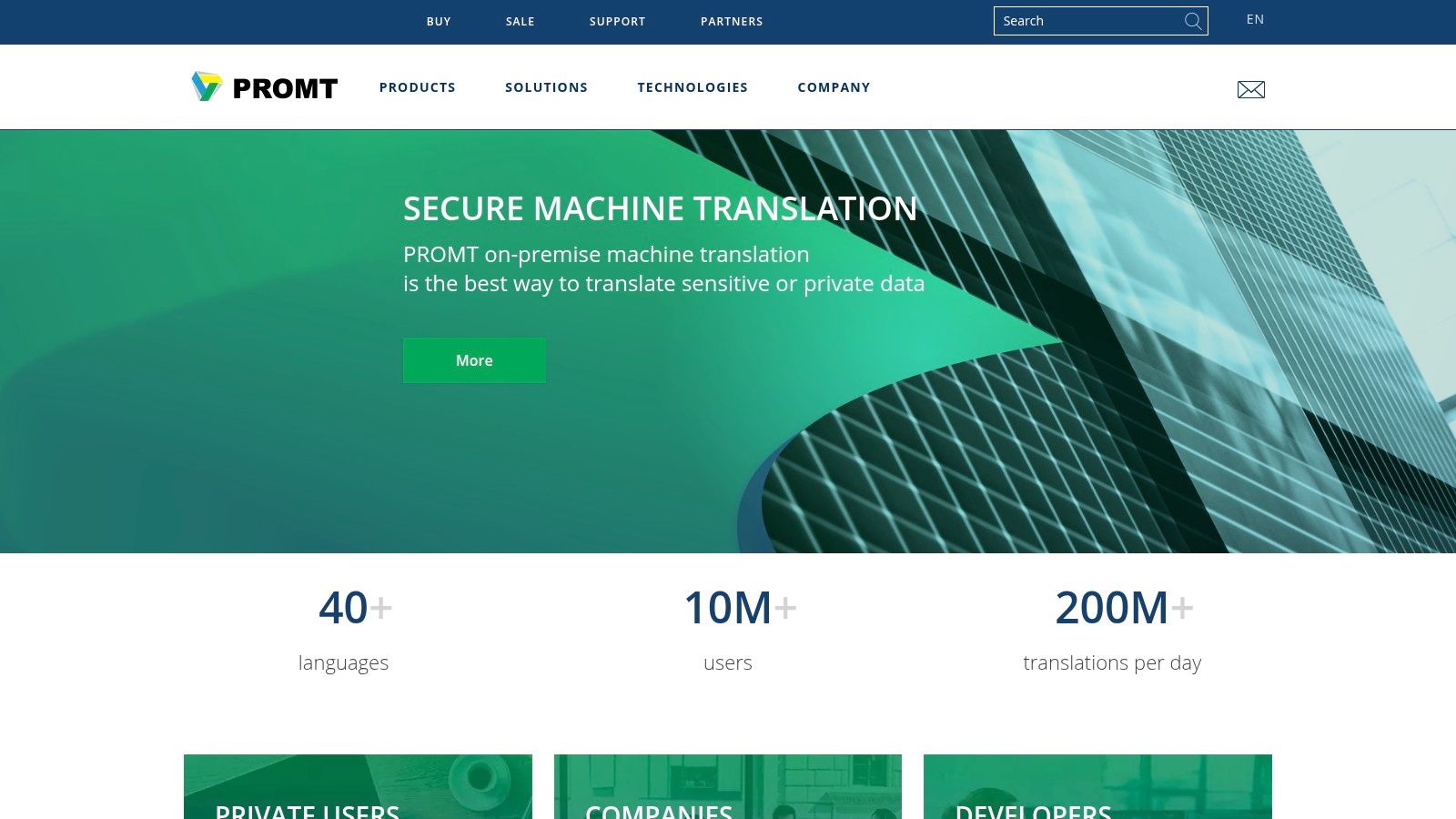
The platform is built for professional workflows, providing tools like user dictionaries to ensure terminology consistency and offering integrations with CAT tools like Trados. While its user interface can feel dated compared to modern cloud-based rivals, its strength lies in its robust, self-contained architecture. This design choice prioritizes security and performance in a controlled environment over a sleek, web-first experience, catering to a specific but critical market segment that requires full autonomy over their translation processes.
Key Features and Considerations
PROMT's value is most apparent for users who need a one-time purchase or a long-term license for a powerful, offline tool without recurring monthly fees.
| Feature | Details |
|---|---|
| Use Case | Secure, offline document and text translation for corporate and government use. |
| Integrations | Add-on for Trados integration, API for custom solutions. |
| Security | On-premises and desktop solutions ensure data never leaves the user's local network. |
| Pricing | Offers perpetual licenses (one-time purchase) and annual subscriptions, with various user tiers. |
| Limitation | The user interface is Windows-centric and feels less modern than cloud-based competitors. |
Website: https://www.promt.com
12. Lokalise
Lokalise is a continuous localization platform designed specifically for agile teams managing digital products like apps, games, and software. It excels at translating UI strings and dynamic content, integrating directly into development workflows. Rather than just being good translation software for static documents, it streamlines the entire product localization cycle, from code commit to release, with powerful automation and collaboration features.
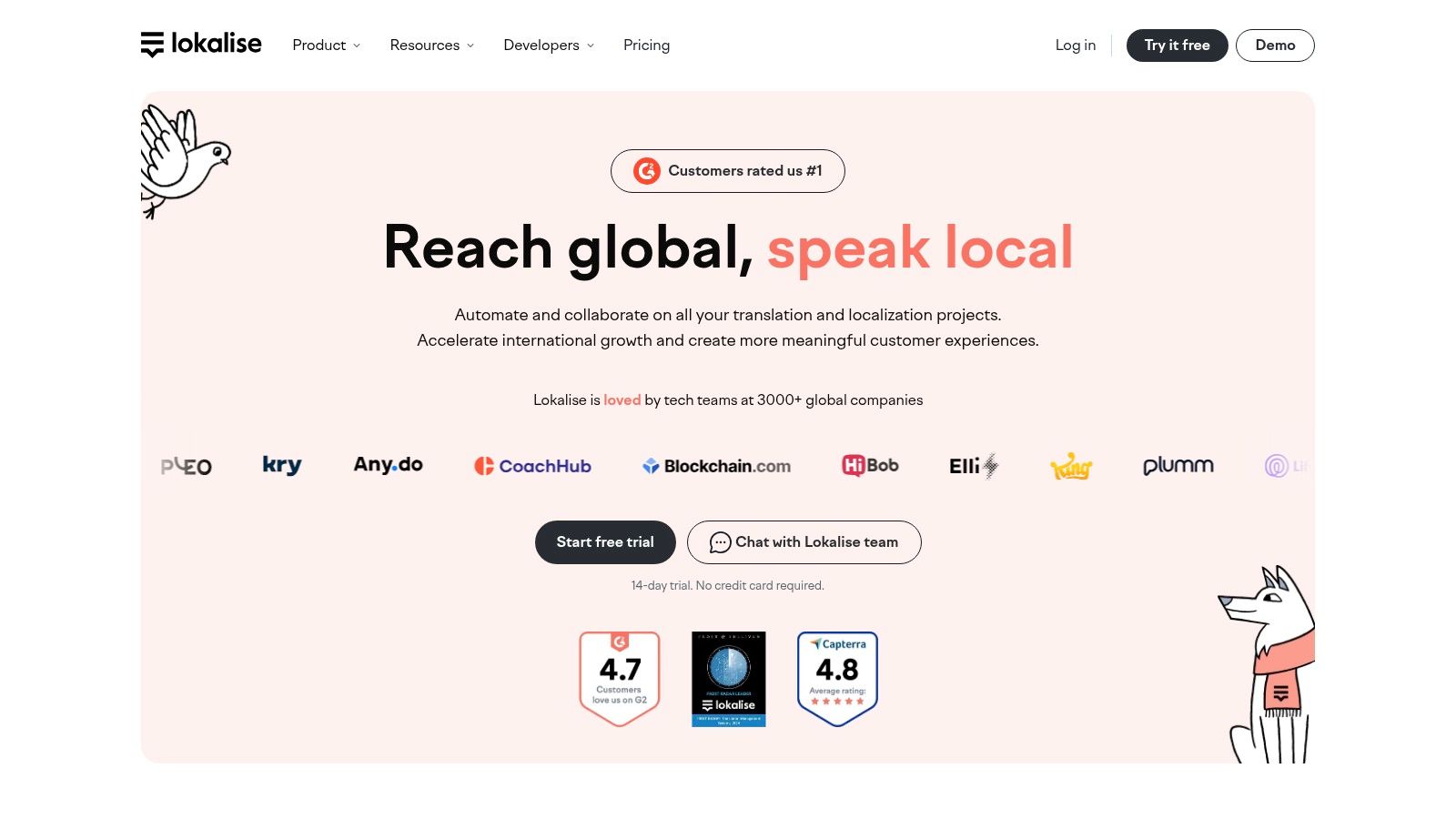
The platform stands out with its developer-centric toolkit, including APIs, a CLI, webhooks, and integrations with services like GitHub, Figma, and Jira. This allows for seamless synchronization of translation keys, eliminating manual copy-pasting. In-context editors and screenshot features provide translators with the necessary visual context to produce accurate translations, while shared translation memory and glossaries ensure consistency across the entire product. Its clean UI and transparent plan structure make it accessible for teams of all sizes.
Key Features and Considerations
Lokalise is ideal for product teams but may be overly complex for users with simple document translation needs. While the free tier is useful for small projects, growing teams will find that advanced features and add-ons can increase the overall cost.
| Feature | Details |
|---|---|
| Use Case | Continuous localization for software, websites, and mobile apps. |
| Integrations | Extensive APIs, CLI, webhooks, and integrations with CI/CD tools, design software, and project management platforms. |
| Security | Enterprise-grade security features including SSO, audit logs, and customizable user roles. |
| Pricing | Offers a limited free tier; paid plans start at $120/month for the Start plan, with custom enterprise pricing available. |
| Limitation | The pricing model can become expensive as projects scale and more advanced features or add-ons are required. |
Website: https://lokalise.com
Top 12 Translation Software Comparison
| Product | Key features | Quality & UX (★) | Price & Value (💰) | Target audience (👥) | Unique selling points (✨) |
|---|---|---|---|---|---|
| DocuGlot 🏆 | Format-preserving DOCX/TXT/MD, 100+ langs, Basic/Premium, intelligent chunking, secure | ★★★★☆ — enterprise-grade AI, fast turnaround, email alerts | 💰 Basic $5.99 min, Premium $9.99 min, pay-as-you-go, transparent cost | 👥 SMBs, localization teams, researchers, freelancers | ✨ End-to-end layout preservation, no page limits, auto-delete & encryption |
| DeepL | High-fluency NMT, glossaries, desktop/Office integrations, API, DOCX/PDF support | ★★★★★ — top fluency and natural output | 💰 Paid tiers & API; region/account pricing can vary; API min per-file cost | 👥 Translators, teams, businesses needing fluent docs | ✨ Best-in-class fluency, rich integrations (Office, desktop, API) |
| Google Cloud Translation | Production NMT, Advanced/custom models, doc & text translation, glossaries | ★★★★☆ — scalable, consistent quality | 💰 Per-character pricing, examples & quotas; 500k free chars/mo (standard) | 👥 Developers, enterprises, large-scale workflows | ✨ Custom/adaptive models, predictable cloud-scale pricing |
| Microsoft Azure AI Translator | Real-time & batch, Custom Translator, doc handling, regional SLAs | ★★★★☆ — solid enterprise UX, generous free tier | 💰 Free tier up to 2M chars/mo (F0); enterprise pricing via account | 👥 Enterprise, pilots/POCs, regional deployments | ✨ Large free tier, Custom Translator and regional SLA options |
| Amazon Translate (AWS) | Custom terminology, formality control, batch/doc jobs, AWS integrations | ★★★★ — reliable, integrates with AWS ecosystem | 💰 Usage-based pricing with volume discounts; per-char complexity | 👥 AWS users, devs needing integrated pipelines | ✨ Deep AWS service integrations, formality & terminology controls |
| RWS Trados Studio | Full CAT: TM, termbases, QA, plugins, desktop+cloud options | ★★★★ — professional CAT UX, mature ecosystem | 💰 Subscription options; can be costly over time | 👥 Professional translators, agencies | ✨ Industry-standard CAT with large plugin/AppStore ecosystem |
| memoQ translator pro | CAT with broad format support, TM, termbases, collaboration | ★★★★ — productive workflow, good support | 💰 Monthly/annual subscription; 14-day trial | 👥 Pro translators, teams needing interoperability | ✨ Strong interoperability with other CAT tools |
| Phrase | TMS + strings localization, AI/MT orchestration, analytics, integrations | ★★★★ — modern UI for product/content localization | 💰 Tiered pricing; enterprise plans can be complex | 👥 Product, marketing & content teams, localization managers | ✨ Deep integrations (Figma, GitHub, WordPress, Jira) for product workflows |
| Smartcat | CAT + MT orchestration, marketplace, collaboration, automation | ★★★★ — collaborative workspace, marketplace access | 💰 Paid plans with simple licensing; some pricing complexity | 👥 Scaling mixed in-house & vendor teams | ✨ Integrated marketplace + AI agents for automation |
| SYSTRAN Translate Pro | Pro web apps, Office add-ins, domain customization, privacy options | ★★★ — enterprise privacy and terminology control | 💰 Per-user subscription quotas; flexible enterprise plans | 👥 Privacy-focused enterprises, regulated industries | ✨ Strong on-prem/privacy deployments and domain models |
| PROMT | On-prem & desktop NMT, format-preserving, user dictionaries, Trados add-on | ★★★ — offline & secure translation options | 💰 Perpetual & annual licenses; good value for offline use | 👥 Organizations needing offline/sensitive-data translation | ✨ Offline/perpetual licensing and format-preserving desktop MT |
| Lokalise | Product/UI string localization, in-context editor, APIs, CI/CD integrations | ★★★★ — developer-friendly, clear UI | 💰 Transparent plan tiers, free tier limited quotas | 👥 Product teams, developers, localization engineers | ✨ In-context editors, CI/CD integrations and developer tooling |
Final Thoughts
Navigating the landscape of translation software can feel overwhelming. We've explored a dozen powerful platforms, from enterprise-grade giants like RWS Trados Studio and Phrase to the highly accessible AI powerhouses like DeepL and Google Cloud Translation. The key takeaway is that the concept of a single "best" solution is a myth; the most effective tool is always the one that aligns perfectly with your specific requirements. The search for good translation software is less about finding a universally superior product and more about identifying the right fit for your unique workflow, content type, and organizational goals.
Your final decision will hinge on a careful evaluation of the factors we've discussed. Are you a small business owner who needs to translate a handful of DOCX marketing brochures each month? A tool prioritizing ease of use and format preservation like DocuGlot or the user-friendly interface of DeepL might be ideal. Conversely, are you managing a global enterprise's localization pipeline, requiring sophisticated terminology management, TMS integrations, and collaborative workflows? In that case, platforms like memoQ, Smartcat, or Lokalise offer the robust infrastructure necessary for that scale.
Key Factors to Guide Your Decision
Before committing to a platform, revisit these critical questions to ensure you're making a strategic choice:
- Primary Use Case: What are you translating most often? Technical manuals, legal contracts, marketing websites, or academic papers? The nature of your content dictates the need for features like glossary support, layout preservation, or creative nuance.
- File Format Fidelity: How critical is it that your translated documents look identical to the originals? If you're working with complex PDFs, DOCX files with intricate layouts, or InDesign files, a specialized tool designed for format preservation is non-negotiable. This is where tools built specifically for this purpose truly shine.
- Scalability and Integration: Consider your future needs. Will your translation volume grow? Do you need the software to integrate with your existing Content Management System (CMS), code repositories, or other business tools? Choosing a platform that can grow with you saves significant time and resources down the line.
- The Human-in-the-Loop: Even the most advanced AI translation can sometimes lack the subtlety of a native speaker. Determine your quality threshold and whether you'll need built-in access to professional human translators for review and post-editing. As AI-powered tools become more sophisticated, understanding strategies to humanize AI text is essential for ensuring translations sound natural and authentic.
Implementing Your Chosen Solution
Once you've selected a tool, a successful rollout involves more than just signing up. Plan for a pilot phase where a small team can test the software with real-world documents. This process helps identify potential workflow bottlenecks and provides an opportunity to build a small glossary or translation memory before expanding its use across your organization.
Ultimately, the right translation software is a powerful enabler. It breaks down language barriers, unlocks new markets, and streamlines global communication. By thoughtfully assessing your needs against the capabilities of the tools available, you can implement a solution that not only translates words but also transforms how you connect with the world.
Ready to see how good translation software can preserve your document's layout and design with pixel-perfect accuracy? DocuGlot is engineered for professionals who cannot afford to compromise on formatting. Try DocuGlot today to translate your DOCX, PDF, and other complex files in seconds while keeping every element perfectly in place.
Tags
Ready to translate your documents?
DocuGlot uses advanced AI to translate your documents while preserving formatting perfectly.
Start Translating