The 12 Best Translation Software for Business in 2026
In today's interconnected global economy, clear communication isn't just an advantage, it's a necessity. Businesses are constantly sharing information across borders, from legal contracts and technical manuals to marketing materials and internal communications. Relying on slow, expensive, or inaccurate translation methods creates bottlenecks, introduces risks, and puts you a step behind the competition. The core challenge is finding a solution that balances speed, accuracy, cost, and security.
This is especially true when dealing with sensitive or complex documents where preserving the original formatting is critical. For businesses frequently dealing with documents in specific formats, understanding how to effectively handle and translate PDFs is crucial. For practical insights into best practices for translating Adobe PDF documents efficiently, including leveraging free tools and AI tips, refer to this comprehensive guide.
This article cuts through the noise. We have curated an in-depth roundup of the best translation software for business, evaluating each tool based on real-world use cases, security protocols, and unique features. We’ll explore the landscape of modern translation tools, from simple document handlers to comprehensive enterprise localization platforms.
Our goal is to equip you with the knowledge to choose the right software for your specific needs, ensuring your global operations are seamless, secure, and professional. We provide screenshots, direct links, and a clear breakdown of who each platform serves best, from SMBs needing to translate a few DOCX files to enterprises managing complex localization workflows.
1. DocuGlot
Best for High-Fidelity Document Format Preservation
DocuGlot establishes itself as a premier choice in the landscape of the best translation software for business, particularly for organizations where maintaining the original document's structure and layout is non-negotiable. Its core strength lies in its exceptional format preservation technology. This platform is engineered to translate complex DOCX, TXT, and Markdown files while meticulously retaining every element of the original formatting, from headers, footers, and tables to specific fonts and styling.
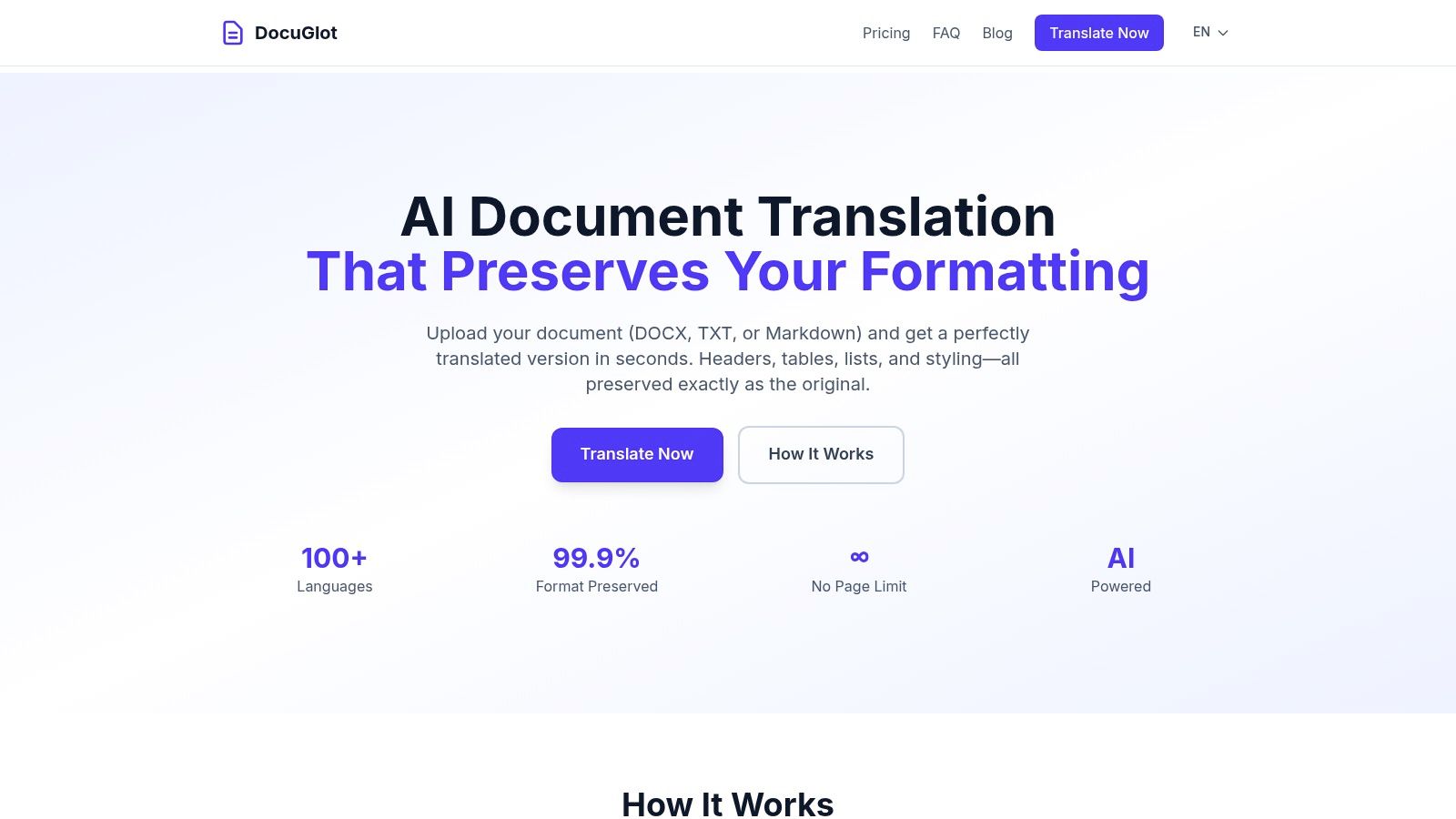
This focus solves a critical pain point for legal, technical, and marketing teams who would otherwise spend hours manually reformatting translated documents. The result is a translated file that is visually identical to the source, ready for immediate use and distribution, which significantly accelerates international workflows.
Key Strengths and Use Cases
DocuGlot’s feature set is designed for practicality and scale, making it a versatile tool for various business needs. Its intelligent chunking technology removes document size limitations, capably handling everything from a single-page memo to a thousand-page technical manual without performance degradation.
This makes it ideal for enterprise localization teams translating extensive user guides or legal departments processing large case files. SMBs and startups benefit from its accessible, pay-as-you-go pricing model, which provides enterprise-grade technology without a costly subscription. The platform offers two quality tiers: Basic for speed and cost-efficiency on general business communications, and Premium for a deeper contextual understanding of complex technical or industry-specific material.
Security and Practical Considerations
Security is a foundational component of the DocuGlot service. The platform employs encryption for data both in transit and at rest, and all uploaded files are automatically deleted from their servers after 24 hours. This commitment to data privacy is crucial for businesses handling sensitive information in sectors like healthcare or finance. While DocuGlot leverages top-tier AI models for high accuracy, it’s important to note that for mission-critical legal or medical documents, a final human review is always a recommended best practice. For specialized needs, they also offer information about certified document translation services.
Key Features:
- Format Preservation: Maintains original layout, including headers, tables, fonts, and styles.
- Unlimited Document Size: Intelligent chunking technology handles documents of any length.
- Dual Quality Tiers: Choose between Basic (fast, affordable) and Premium (advanced context).
- Robust Security: End-to-end encryption and automatic 24-hour file deletion.
- Transparent Pricing: Pay-as-you-go model with a clear cost estimate provided upfront.
Visit the website: https://docuglot.com
2. DeepL
DeepL has earned a formidable reputation for its high-quality neural machine translations, particularly excelling in European language pairs. It stands out as a powerful tool for businesses that need reliable, nuanced translations for internal communications, initial market research, and customer support documentation. Its intuitive web interface, desktop, and mobile apps make it accessible for quick, on-the-fly text translations.
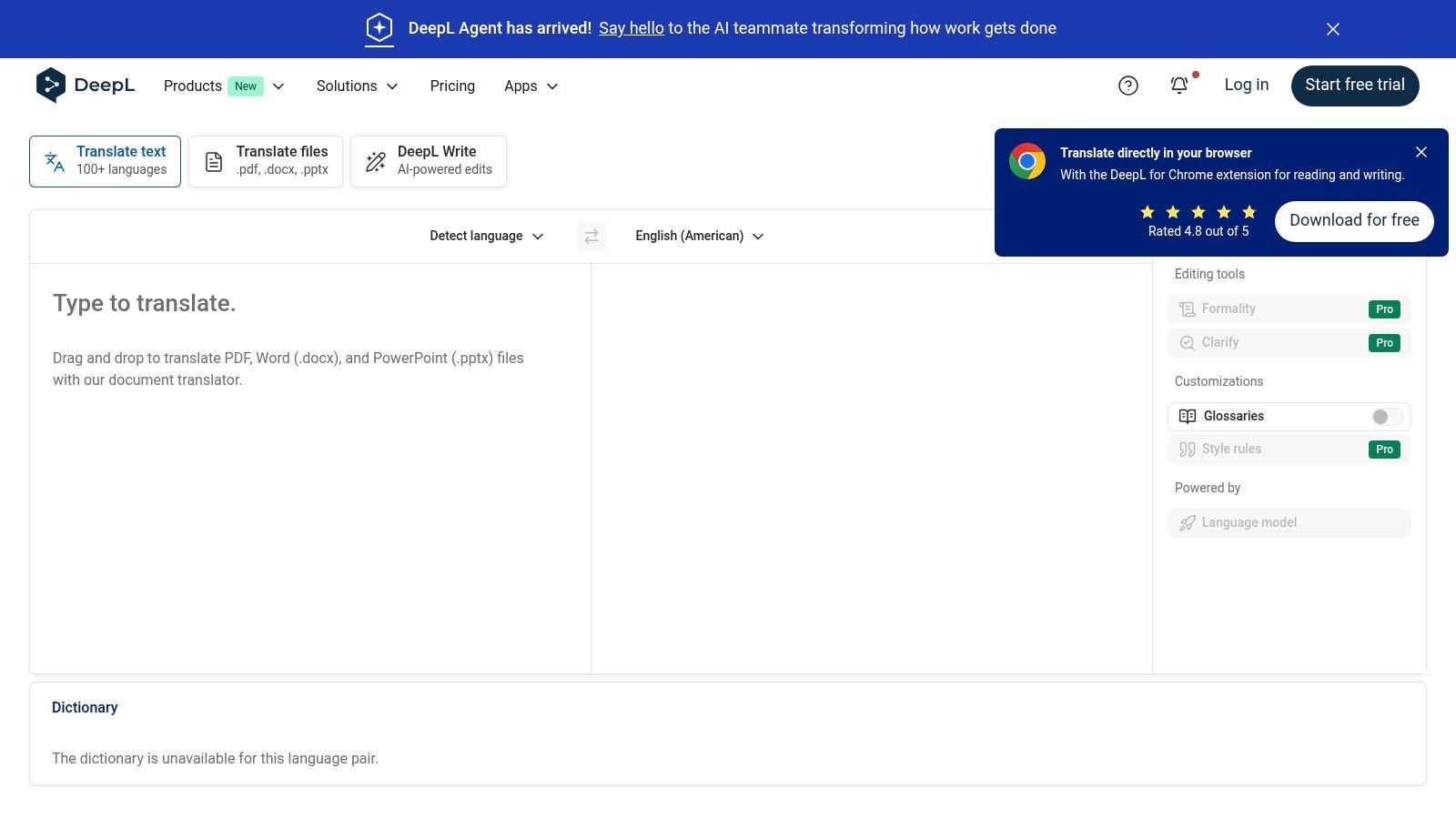
For organizations seeking more control and integration, DeepL offers team plans and a robust API. Higher-tier plans provide essential business features like single sign-on (SSO), administrative controls, and the ability to create glossaries for consistent terminology. This makes it a strong contender for businesses scaling their translation efforts. Learn more about how DeepL fits into the broader ecosystem of document translation services on docuglot.com.
Key Features & Use Cases
| Feature | Best For |
|---|---|
| High-Quality NMT | Marketing copy, internal communications, and content where nuance is key. |
| Glossary Function | Maintaining brand and product terminology consistency across all translations. |
| API Integration | Developers embedding automated translation into websites, apps, or internal tools. |
| Team Administration | Businesses needing centralized billing and user management for multiple employees. |
Practical Tip: Use the glossary feature from day one to enforce brand-specific terms. This simple step significantly improves the consistency and quality of automated translations across your entire organization.
Website: https://www.deepl.com
3. Google Cloud Translation
Google Cloud Translation is an enterprise-grade solution that leverages Google's vast AI infrastructure to deliver powerful and scalable translation services. It is an excellent fit for businesses needing to integrate translation directly into their applications, back-end systems, or large-scale document processing workflows. The platform supports a wide array of languages and offers both standard neural machine translation (NMT) and newer, more advanced large language model (LLM) options.

The service is divided into editions like Translation Hub, which handles formatted documents (DOCX, PPTX, PDF) with page-based pricing, and the Translation API for text. This model provides flexibility but requires a certain level of technical expertise for setup within the Google Cloud ecosystem. Its strengths lie in its deep language coverage, robust infrastructure, and granular, pay-as-you-go pricing, making it a top-tier choice among the best translation software for business operations at scale.
Key Features & Use Cases
| Feature | Best For |
|---|---|
| API & Cloud Integration | Embedding real-time translation into websites, mobile apps, and enterprise software. |
| Formatted Document Support | Batch processing of business documents like reports, presentations, and PDFs. |
| Custom Models (AutoML) | Training the AI with your own data for highly specialized, industry-specific terminology. |
| Pay-as-you-go Pricing | Businesses that need a scalable solution without upfront commitment, paying only for usage. |
Practical Tip: Leverage the generous free tier (e.g., the first 500,000 characters per month for text translation) to build and test a proof-of-concept for your application before committing to larger-scale usage.
Website: https://cloud.google.com/translate
4. Microsoft Azure AI Translator
Microsoft Azure AI Translator is a powerful cloud-based machine translation service designed for enterprise-level scale, security, and integration. It stands out for its deep embedding within the Microsoft ecosystem, making it an ideal choice for businesses already invested in Azure services. The platform supports a vast array of languages for both text and document translation, including complex file formats, which is crucial for organizations dealing with diverse content types.
For businesses requiring specialized translations, its Custom Translator feature is a significant advantage. This allows organizations to build and deploy custom neural translation models using their own terminology and data, ensuring high accuracy for domain-specific content like legal contracts or technical manuals. While it requires some familiarity with the Azure portal for setup, its robust compliance certifications and flexible pricing, including a generous free tier, make it a top contender for the best translation software for business needs focused on security and customization.
Key Features & Use Cases
| Feature | Best For |
|---|---|
| Custom Translator | Legal, medical, or engineering firms needing to train models with specific terminology. |
| Enterprise Security | Organizations in highly regulated industries requiring strict data compliance and security. |
| Broad File Support | Businesses translating a wide variety of document types, including complex PDFs and Office files. |
| Generous Free Tier | Startups and small businesses needing to process up to 2 million characters per month at no cost. |
Practical Tip: Leverage the Custom Translator with your existing translated documents (translation memories) to build a model that understands your company's specific jargon and style, dramatically improving translation quality for your niche.
Website: https://azure.microsoft.com/en-us/services/cognitive-services/translator/
5. Amazon Translate
Amazon Translate is a neural machine translation service that is part of the Amazon Web Services (AWS) ecosystem. It's designed for scalability, making it an excellent choice for businesses already invested in AWS or those requiring robust, high-volume translation workflows. The service supports real-time text translation and batch processing of various document formats, including DOCX, PPTX, and XLSX, integrating seamlessly with other AWS services like S3 for automated pipelines.

What makes Amazon Translate a go-to for many developers and enterprises is its straightforward, pay-as-you-go pricing model and deep integration capabilities. Its Active Custom Translation feature allows businesses to improve translation accuracy by providing parallel data (source texts and their corresponding high-quality translations) to customize the engine for specific domains. This makes it a powerful contender among the best translation software for business, especially for technical or large-scale operational needs.
Key Features & Use Cases
| Feature | Best For |
|---|---|
| AWS Integration | Companies building automated, large-scale translation workflows using S3 and Lambda. |
| Active Custom Translation | Improving accuracy for specific industry jargon, like legal or medical terminology. |
| Batch Document Translation | Processing large volumes of DOCX, XLSX, or PPTX files stored in the cloud. |
| Pay-As-You-Go Pricing | Startups and businesses wanting to scale translation costs directly with usage. |
Practical Tip: Leverage the integration with Amazon S3 for an efficient batch translation process. You can set up a workflow where uploading a document to a specific S3 bucket automatically triggers a translation job, with the output sent to another bucket.
Website: https://aws.amazon.com/translate
6. RWS Trados Studio
RWS Trados Studio is the long-standing industry standard in the computer-assisted translation (CAT) tool market. It offers a powerful desktop and cloud ecosystem designed for professional linguists and organizations requiring structured, high-volume translation workflows. It combines translation memory, terminology management, quality assurance, and machine translation into a single, cohesive environment, making it a cornerstone for serious localization projects.
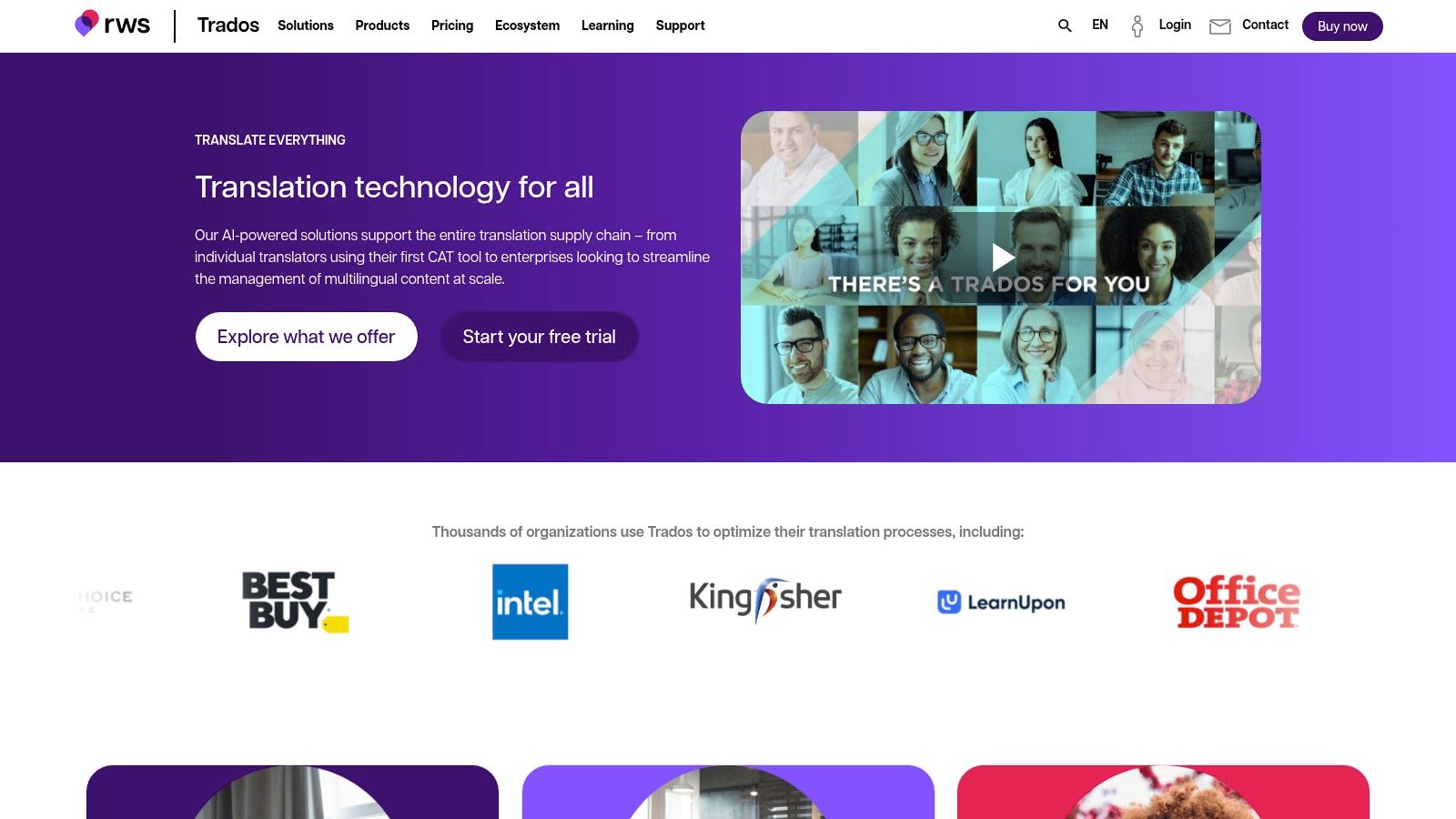
The platform has shifted from perpetual licenses to a subscription model, offering more flexibility for freelancers and teams. Trados Studio 2024 enhances its desktop application with deeper AI and machine translation integrations, including its native RWS Language Weaver. For collaborative work, Trados Team and Enterprise provide cloud-based project management, enabling seamless workflows between project managers and translators. While its Windows-first approach and professional complexity present a learning curve, its robust feature set remains unmatched for businesses that need granular control over the translation process.
Key Features & Use Cases
| Feature | Best For |
|---|---|
| Translation Memory (TM) | Leveraging past translations to ensure consistency and reduce costs on large projects. |
| Termbase Management | Enterprises managing complex, industry-specific terminology for brand consistency. |
| Cloud & Desktop Sync | Hybrid teams needing both the power of a desktop app and the flexibility of cloud collaboration. |
| RWS AppStore | Extending functionality with third-party apps for specific file types or workflow needs. |
Practical Tip: Build your Translation Memory (TM) and Termbase from the very first project. This initial investment pays dividends by dramatically increasing translation speed, ensuring consistency, and lowering costs over time as the assets grow.
Website: https://www.trados.com
7. Phrase (formerly Memsource)
Phrase stands as a comprehensive, end-to-end localization platform designed for organizations scaling their global content strategy. It goes beyond simple translation, offering a powerful Translation Management System (TMS) that combines a sophisticated CAT editor, AI and machine translation orchestration, robust automation, and detailed analytics. This makes it an ideal solution for managing complex localization workflows involving product, marketing, and documentation content for both SMBs and large enterprises.
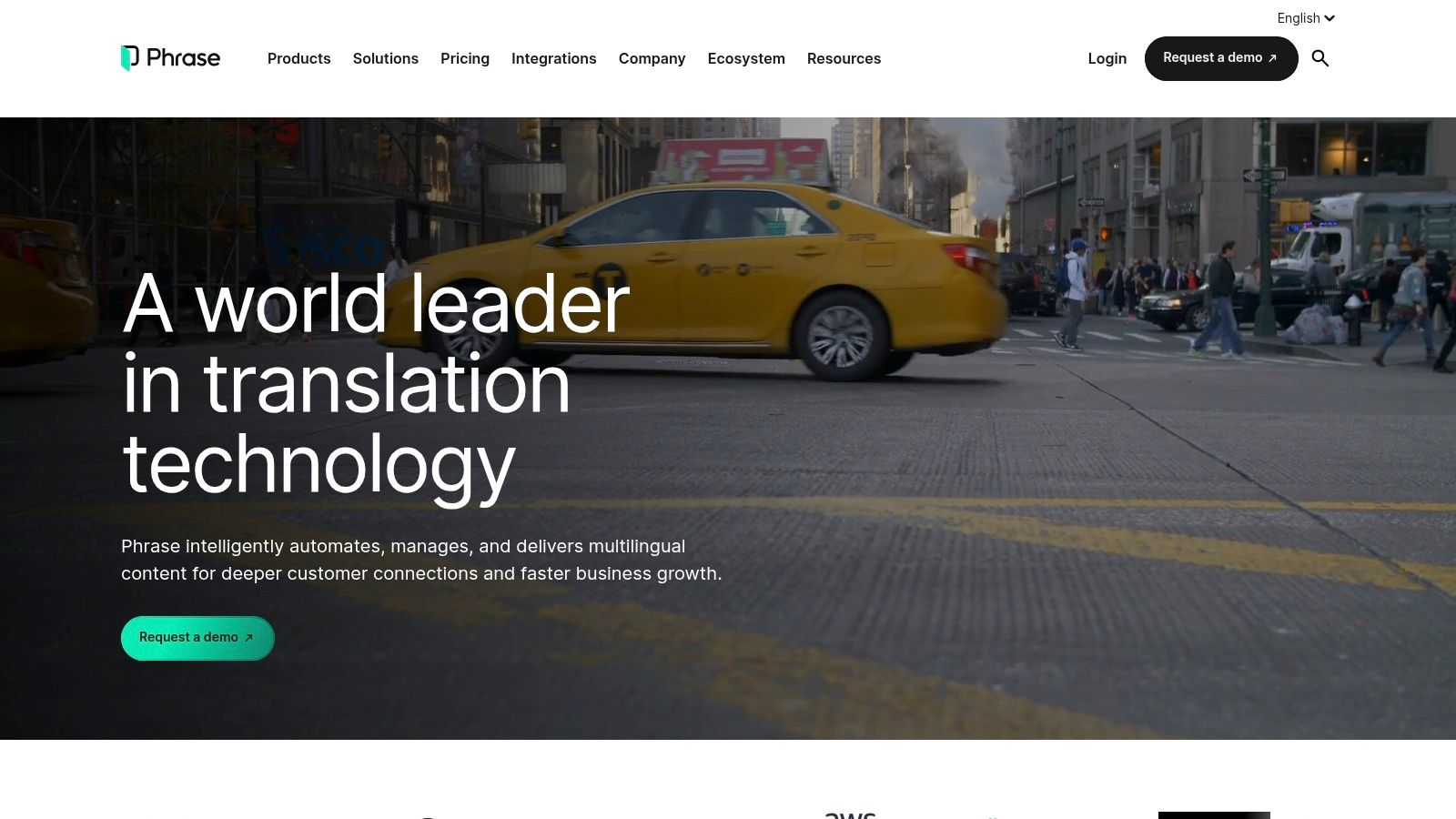
The platform is engineered to connect content sources like repositories, CMSs, and design tools directly into the translation pipeline, minimizing manual handoffs. With features supporting vendor management, price lists, and quoting, Phrase provides the financial and operational controls needed to manage localization as a core business function. While its usage-based pricing can be complex, it offers unparalleled control for businesses serious about high-volume, continuous localization.
Key Features & Use Cases
| Feature | Best For |
|---|---|
| Comprehensive TMS | Businesses managing the entire localization lifecycle from content creation to vendor payment. |
| Content Connectors | Teams needing to automate the flow of content from systems like GitHub, Contentful, or Figma. |
| Vendor & Financial Workflows | Localization managers who oversee budgets, quotes, and multiple external translation vendors. |
| Advanced Analytics | Enterprises looking to track localization ROI, team performance, and cost savings. |
Practical Tip: Leverage the pre-built connectors to integrate your most critical content systems first. Automating the flow of content from a CMS or code repository is where Phrase delivers significant time savings and reduces the risk of human error.
Website: https://www.phrase.com
8. Smartling
Smartling is a comprehensive enterprise localization platform designed for businesses that require a centralized, all-in-one solution for managing global content. Its powerful Translation Management System (TMS) is augmented by an AI Hub, which intelligently orchestrates multiple machine translation engines and large language models (LLMs) like OpenAI and Gemini. This allows organizations to automate and govern their entire translation lifecycle, from initial content creation to final delivery.

The platform stands out with its robust integrations, offering over 50 connectors to popular CMS, marketing automation, and code repository systems. For businesses needing full-service support, Smartling also provides optional managed language services with guaranteed SLAs, bridging the gap between pure software and a traditional agency. This makes it an ideal choice for large teams that need advanced reporting, cost controls, and security certifications. Discover how this compares to other solutions for business document translation needs.
Key Features & Use Cases
| Feature | Best For |
|---|---|
| AI Hub (MT/LLM Orchestration) | Enterprises wanting to leverage the best-fit AI model for different content types. |
| Platform Connectors | Teams needing seamless, automated translation workflows for websites, apps, and marketing tools. |
| Advanced Governance & Reporting | Managers requiring deep insights into translation spend, quality, and team performance. |
| Managed Language Services | Organizations that need a hybrid of powerful software and expert human oversight. |
Practical Tip: Leverage Smartling’s workflow automation to create rules that route different types of content to specific translation engines or human reviewers. For instance, route low-impact internal updates to a cost-effective MT engine and high-visibility marketing content to a premium LLM followed by human review.
Website: https://www.smartling.com
9. Lokalise
Lokalise is a cloud-based localization and translation management system designed for agile teams working on apps, websites, and digital content. It excels at streamlining the entire localization workflow, from development and design to translation and deployment. The platform integrates directly into a company’s existing tool stack, including developer repositories like GitHub and design tools like Figma, making it one of the best translation software for business environments focused on continuous delivery.
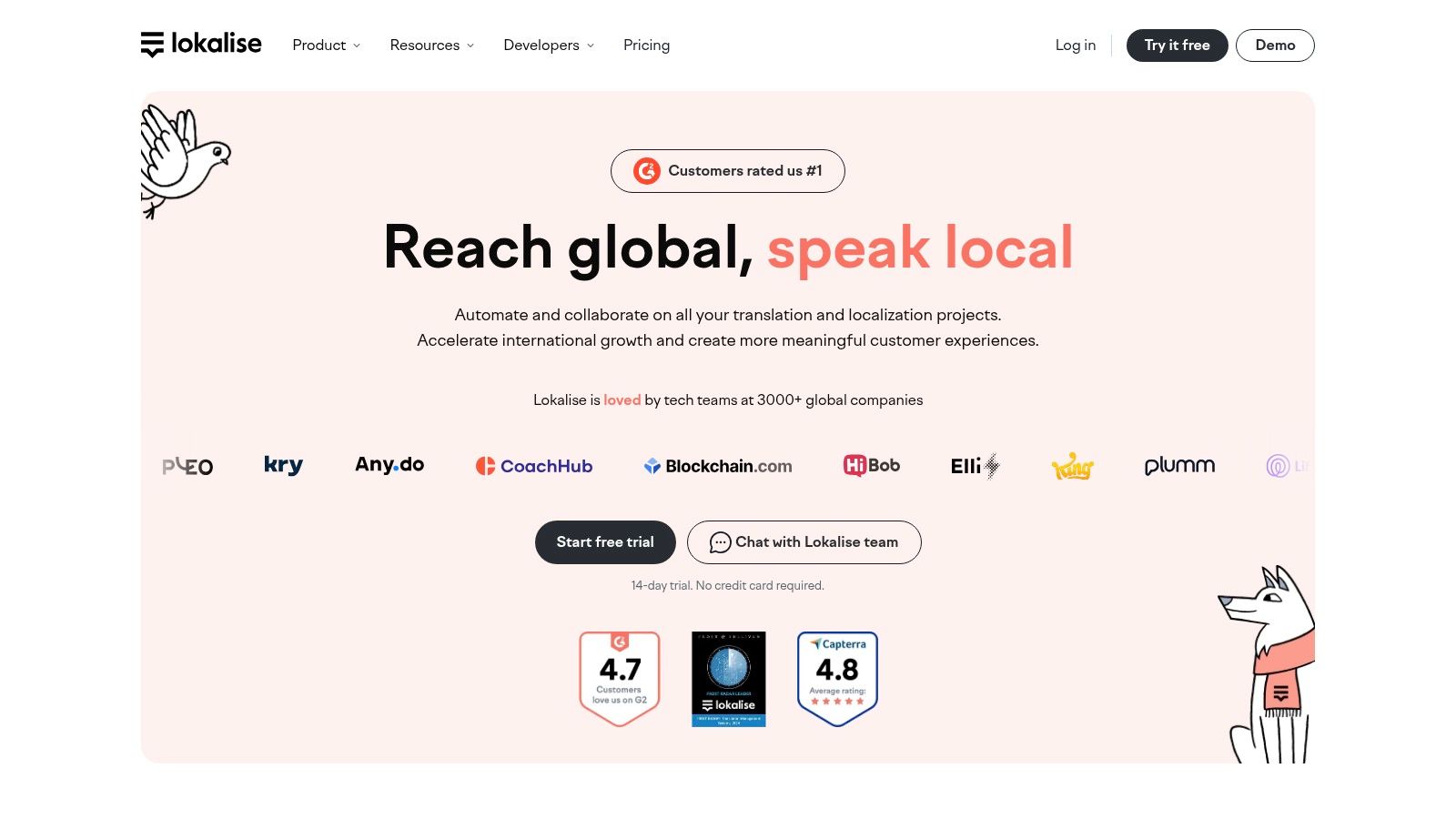
Unlike traditional translation tools, Lokalise centralizes communication and context for developers, designers, translators, and project managers. Its transparent public pricing, which includes a free tier for small projects, makes it accessible for startups and SMBs to test its capabilities before committing. For growing teams, higher-tier plans offer advanced automation, AI-powered features, and robust project management tools to handle complex localization at scale.
Key Features & Use Cases
| Feature | Best For |
|---|---|
| Developer & Design Integrations | Agile teams needing to sync translation keys from Figma, Sketch, GitHub, or GitLab. |
| In-Context Editors | Translators and reviewers who need to see how translations appear on the actual website or app. |
| Automations & Workflows | Project managers looking to automate tasks like new key detection and pre-translation. |
| AI/MT Routing | Teams wanting to leverage multiple machine translation engines with glossary and TM support. |
Practical Tip: Leverage the Figma and Sketch plugins early in the design process. This allows you to test how localized content fits within your UI layouts, preventing costly design revisions after translation is complete.
Website: https://lokalise.com
10. SYSTRAN (Translate Pro & API)
SYSTRAN is a veteran in the machine translation space, offering robust solutions tailored for business and enterprise use. Its Translate Pro plans provide a secure, cloud-based environment for teams to translate documents and text, while its API allows for seamless integration into existing workflows. The platform is distinguished by its specialized domain models, which can deliver higher accuracy for industry-specific content like legal, IT, or financial documents.
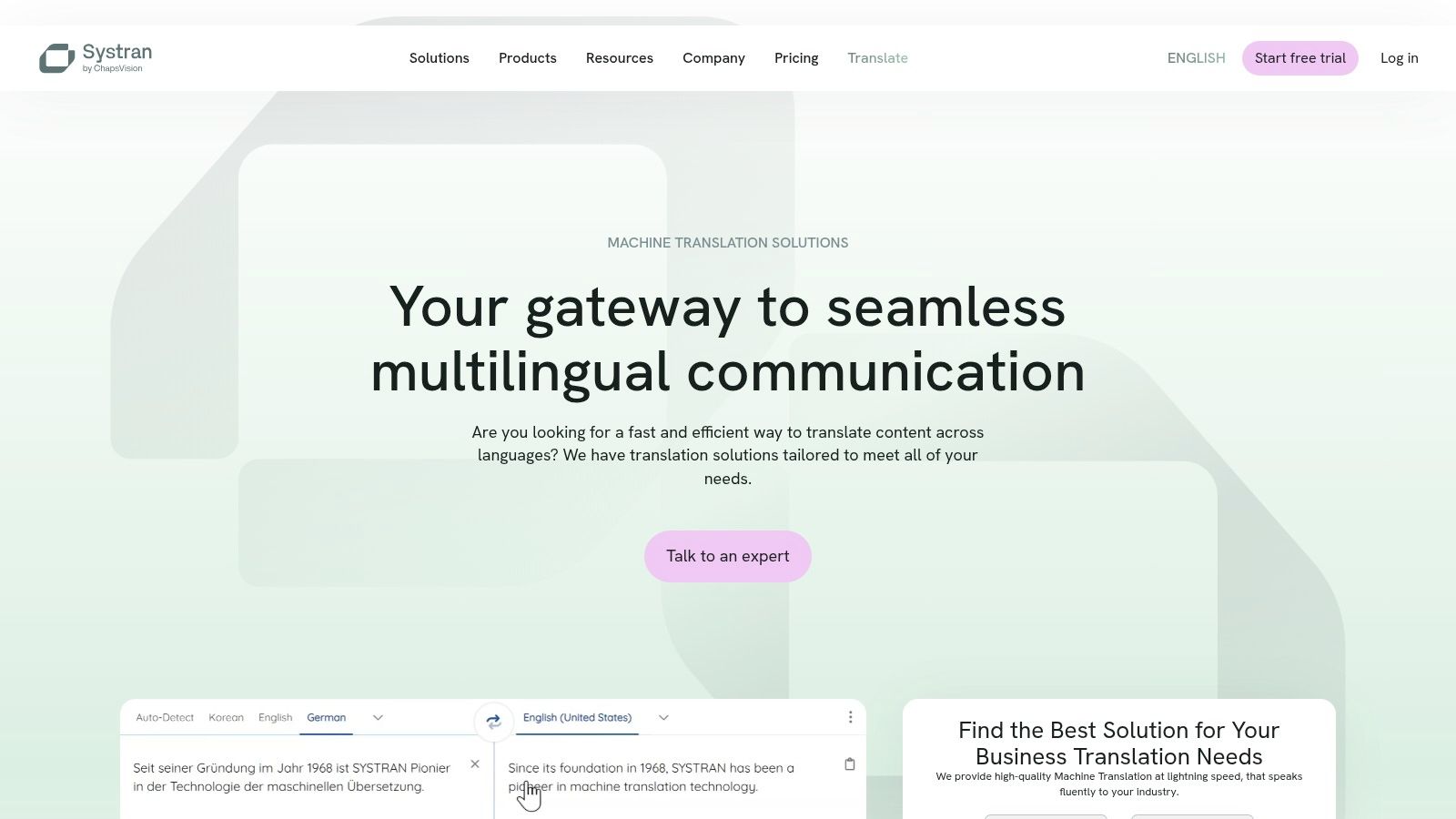
For businesses that prioritize data privacy and terminology control, SYSTRAN is a compelling option. User plans are straightforward, based on monthly character credits, and include features like dictionaries and normalization rules. With Office add-ins and direct file translation capabilities, it equips teams with the necessary tools for internal communication, documentation, and initial content localization, making it a strong contender for the best translation software for business environments with specific technical needs.
Key Features & Use Cases
| Feature | Best For |
|---|---|
| Specialized Domain Models | Businesses in legal, technical, or financial sectors requiring industry-specific terminology. |
| Dictionary & Normalization | Companies needing to enforce consistent branding and terminology across translations. |
| Developer API | Integrating configurable machine translation directly into enterprise applications and websites. |
| Office Add-ins & File Translation | Teams that frequently translate documents like PDFs and DOCX files within their daily workflows. |
Practical Tip: When translating technical documents, always select the most relevant domain-specific model available. This simple choice can significantly improve the accuracy and relevance of the translation output compared to using a generic engine.
Website: https://www.systransoft.com
11. Unbabel
Unbabel carves a unique niche by focusing its hybrid AI and human translation model squarely on customer service operations. The platform is engineered to deliver fast, reliable multilingual support across channels like live chat, email, and FAQs. It combines machine translation with human post-editing and quality estimation to meet service-level agreements (SLAs), making it one of the best translation software for business teams managing global customer interactions at scale.

The platform stands out with its deep integrations into major support platforms like Zendesk and Salesforce, allowing agents to communicate seamlessly in a customer's native language. Unbabel’s flexible pipelines let businesses balance speed, quality, and cost to fit specific needs, from real-time chat to high-quality FAQ articles. Enterprise-grade security, detailed reporting, and availability on the AWS Marketplace simplify procurement and deployment for large organizations. Pricing is customized and typically requires a sales quote with potential minimum commitments.
Key Features & Use Cases
| Feature | Best For |
|---|---|
| Hybrid AI + Human Model | Multilingual customer support teams needing to meet quality and speed SLAs. |
| CRM/Helpdesk Integrations | Businesses wanting to embed translation directly into existing Zendesk or Salesforce workflows. |
| Enterprise Security & Reporting | Large-scale operations that require robust data protection (ISO 27001) and performance analytics. |
| AWS Marketplace Availability | Companies seeking streamlined procurement and consolidated billing through their AWS account. |
Practical Tip: Leverage Unbabel's analytics to identify common customer issues across different languages. This data can help you proactively create multilingual knowledge base articles, reducing ticket volume and improving first-contact resolution.
Website: https://unbabel.com
12. Weglot
Weglot is a website localization platform designed for businesses that need to quickly make their websites multilingual without extensive development work. It automatically detects, translates, and displays your site's content, making it an excellent choice for marketing teams and e-commerce stores using platforms like Shopify, WordPress, or Webflow. The software handles the technical aspects of multilingual SEO, such as creating language-specific subdirectories and adding hreflang tags.
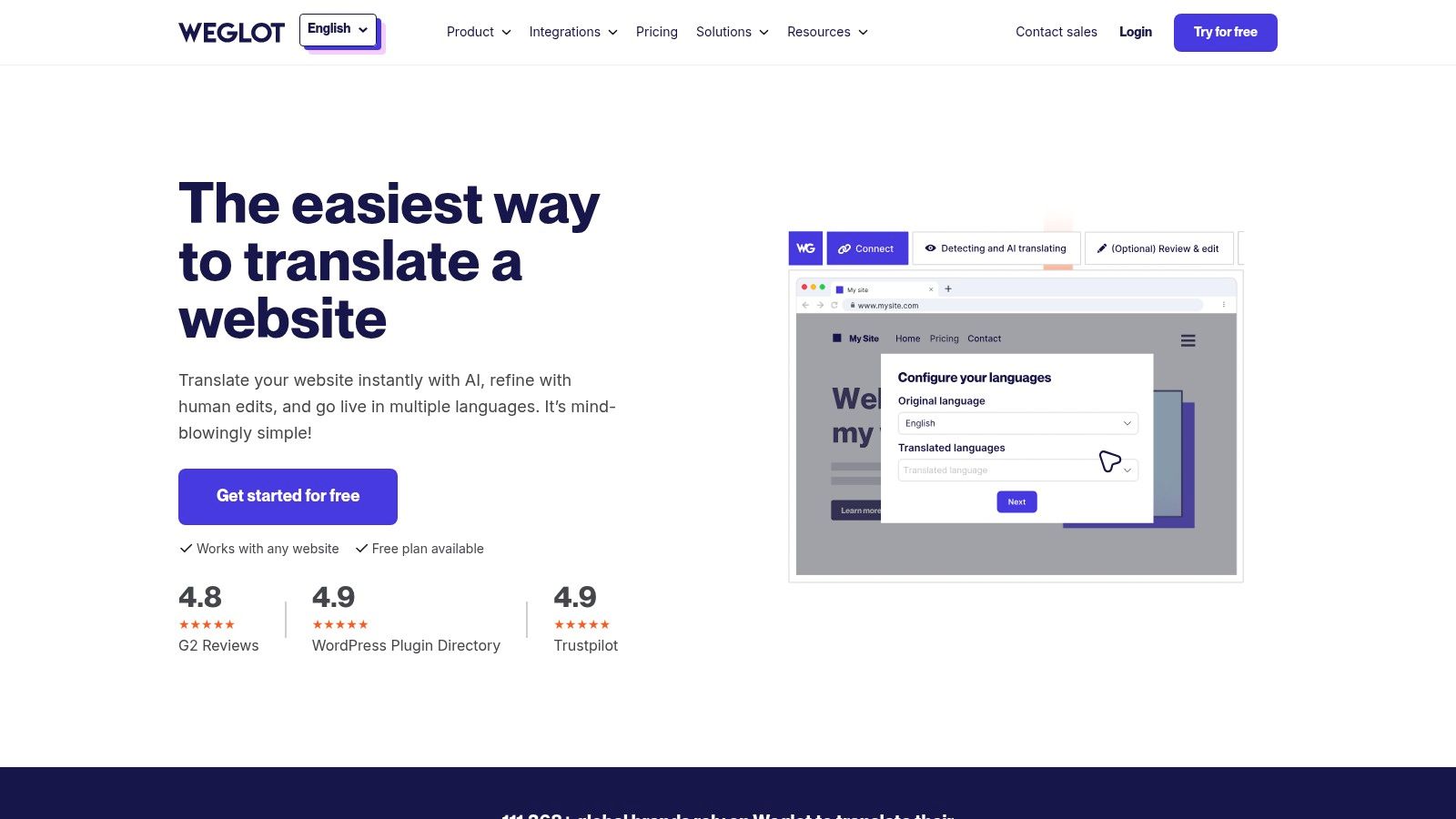
The platform provides a first layer of machine translation that can be manually edited and improved by your team through an intuitive interface. For higher quality, users can also order professional translation services directly through the Weglot dashboard. This hybrid approach offers a balance of speed, cost, and quality, making it one of the best translation software for business solutions focused on rapid website deployment. While its subscription is based on word count and can auto-upgrade, its speed and ease of use are major advantages.
Key Features & Use Cases
| Feature | Best For |
|---|---|
| No-Code Implementation | Marketing and e-commerce teams needing to launch a multilingual site quickly. |
| Multilingual SEO | Businesses aiming to improve international search rankings with translated content. |
| Hybrid Translation Model | Teams that want the speed of automation combined with human review capabilities. |
| CMS & Framework Integrations | Companies using popular platforms like WordPress, Shopify, and Webflow. |
Practical Tip: Use Weglot's "visual editor" to review and edit translations directly on a live preview of your website. This provides valuable context that is often lost when editing strings in a list, ensuring translations fit the design and layout perfectly.
Website: https://www.weglot.com
Top 12 Business Translation Tools Comparison
| Product | Core features | Quality & UX | Value & Price | Target audience | Unique selling points |
|---|---|---|---|---|---|
| 🏆 DocuGlot | ✨ Format-preserving DOCX/TXT/MD; 100+ langs; Basic/Premium; intelligent chunking | ★★★★☆ Fast UI, email notifications, secure | 💰 Pay-as-you-go; low mins ($5.99/$9.99); transparent cost | 👥 SMBs, startups, localization teams, researchers, agencies | ✨ End-to-end format preservation; encryption + auto-deletion |
| DeepL | Web/desktop/mobile, API, glossaries, CAT plug-ins | ★★★★★ High-quality output (esp. EU pairs) | 💰 Free/Pro/Team tiers; variable pricing | 👥 Businesses needing high-quality EU translations & teams | ✨ Strong neural quality; CAT/TMS ecosystem |
| Google Cloud Translation | Text + formatted doc (DOCX/PPT/PDF); AutoML & LLM options; glossary | ★★★★☆ Robust, scalable, enterprise UI | 💰 Character/page pricing; free credits/tiers | 👥 Apps, back ends, batch workflows, enterprises | ✨ Custom models (AutoML); global infra |
| Microsoft Azure AI Translator | Text/doc translation, Custom Translator, transliteration | ★★★★☆ Enterprise-grade, compliant | 💰 Free tier (2M chars/mo); volume discounts | 👥 Enterprise customers in Microsoft ecosystem | ✨ SSO/compliance; Azure integrations |
| Amazon Translate | Real-time & batch; DOCX/PPTX/XLSX/HTML/XLIFF; Active Custom Translation | ★★★★☆ Good integration with AWS services | 💰 Per-character pricing; 12‑month free tier options | 👥 AWS-centric devs, large-scale batch users | ✨ S3/batch workflows; Active Custom Translation |
| RWS Trados Studio | Desktop CAT, translation memories, termbases, QA, MT plug-ins | ★★★★☆ Industry-standard CAT; steeper learning curve | 💰 Subscription/licensing (Freelance/Pro) | 👥 Professional translators, LSPs | ✨ Robust TM/terminology & QA tooling |
| Phrase (Memsource) | Cloud TMS, CAT editor, connectors, APIs, AI/MT orchestration | ★★★★☆ Comprehensive localization platform | 💰 Usage-based (Processed Words/AI Units); contact sales | 👥 Product/marketing localization teams, enterprises | ✨ End-to-end ops, automation & analytics |
| Smartling | TMS + AI Hub, visual CAT editor, connectors, managed services | ★★★★☆ Enterprise workflows & governance | 💰 Tiered pricing; sales quote required | 👥 Large enterprises needing governance & SLAs | ✨ Orchestrates multiple MT/LLMs; managed services |
| Lokalise | Web editor, in-context editing, automations, dev/design integrations | ★★★★☆ Dev/designer-friendly UI; clear plans | 💰 Public plans incl. Free; transparent pricing | 👥 Devs, product teams, SMBs | ✨ Strong GitHub/Figma integrations; free tier |
| SYSTRAN | Pro/Premium plans, API, domain models, dictionaries, file/PDF support | ★★★☆☆ Solid MT with domain focus | 💰 Per-user/API pricing; straightforward | 👥 Teams needing domain models & privacy | ✨ Domain-specialized models & glossary tools |
| Unbabel | Hybrid AI+human pipelines, integrations (Zendesk/SF), SLAs | ★★★★☆ Built for customer service workflows | 💰 Quote-based; may require commitments | 👥 Support ops, contact centers | ✨ Hybrid post-editing + SLAs & reporting |
| Weglot | Auto-detect site content, editing UI, SEO-friendly URLs, pro orders | ★★★★☆ Very quick setup; non-dev friendly | 💰 Subscription tiers; free plan <2k words | 👥 Marketing sites, e‑commerce teams, SMBs | ✨ No-code localization; SEO-friendly URLs |
Making the Right Choice for Your Business's Global Future
Navigating the crowded market of translation software can feel overwhelming, but making an informed decision is a pivotal step in your company's global expansion. We've explored a wide spectrum of tools, from powerful cloud APIs like Google Cloud Translation and Amazon Translate to comprehensive Translation Management Systems (TMS) such as Phrase and Smartling. Each platform offers a unique set of capabilities tailored to different business needs.
The key takeaway is that there is no single "best" solution for everyone. The ideal choice hinges entirely on your primary use case, existing workflows, and strategic objectives. A developer-centric team will find immense value in the raw, scalable power of cloud APIs, while a dedicated localization department will require the robust project management and collaboration features of a TMS.
From Raw Power to End-to-End Solutions
A crucial distinction to emerge from our analysis is the difference between raw translation engines and specialized, end-to-end platforms. While APIs provide the foundational technology, they often require significant development resources to integrate into a functional workflow. This is where tools that are built on top of these engines, offering a user-friendly interface and specialized features, provide immense value.
For businesses that primarily deal with formatted documents, this distinction is paramount. Sending a meticulously designed PDF, DOCX, or MD file through a basic API can result in a plain-text output that loses all its critical formatting, leading to hours of frustrating and costly rework. This is precisely the challenge that document-centric translators are designed to solve.
Key Factors to Guide Your Decision
As you evaluate the options, distill your needs down to a few core priorities. Your selection process for the best translation software for your business should be guided by a clear understanding of what matters most.
- Primary Use Case: Are you translating marketing websites (Weglot, Smartling), software interfaces (Lokalise, Phrase), or complex business documents (DocuGlot, Trados)? Your core task will immediately narrow the field.
- Technical Resources: Do you have a development team ready to build custom integrations around an API, or do you need a no-code, ready-to-use platform that your entire team can adopt immediately?
- Security and Compliance: What level of data security is required for your content? For businesses handling sensitive information or operating in regulated markets, features like end-to-end encryption and data residency are non-negotiable. For businesses operating globally, understanding how to achieve GDPR-compliant AI integration is a critical factor in selecting the right translation software.
- Budget and Scalability: Your budget will influence whether you opt for a pay-as-you-go model, a monthly subscription, or a significant enterprise license. Consider how the costs will scale as your translation volume grows.
Final Thoughts on Your Path Forward
Choosing the right translation software is not just a technical decision; it's a strategic one. It's about empowering your team to communicate effectively across borders, reducing friction in your international operations, and unlocking new opportunities for growth. The right tool will act as a catalyst, transforming a complex, time-consuming process into a seamless and efficient part of your business.
By carefully matching your specific operational needs, whether they are document-centric, product-focused, or developer-driven, you can confidently select a solution. This choice will not only meet your immediate translation requirements but will also serve as a foundational asset in building a truly global brand presence for years to come.
Ready to eliminate the friction of document translation? DocuGlot is purpose-built to preserve the formatting of your complex PDF, DOCX, and MD files, delivering secure, accurate translations in seconds. Experience the future of document translation today.
Tags
Ready to translate your documents?
DocuGlot uses advanced AI to translate your documents while preserving formatting perfectly.
Start Translating